
Warehouse security robots that patrol yards and aisles
A logistics site is a long fence, a yard full of trailers and aisles that empty out at night. Warehouse security robots patrol all three: they walk the fence and the docks, check the aisles, exits and extinguishers, and alert your control room with photos and the exact position. Each pass is logged, so the round is proven, not assumed.
Camera view and 3D map, side by side
What the robot’s camera sees at each point of the round, matched to the 3D map of the building.
What do warehouse security robots patrol on a logistics site?
The whole site, outdoors and indoors. The robot walks the fence, the gates, the trailer yard and the docks, then the aisles and service areas inside, along set waypoints. It watches for people or the objects you name, checks exits and extinguishers and, on a finding, stops, takes photos and alerts with its exact position.
- Yard and fence at night. Trailers, gates and fence lines walked on schedule, pass after pass.
- Docks and doors. Dock doors and access points photographed on every round.
- Aisles out of hours. Blocked aisles, open doors and missing extinguishers found and logged.
- Eyes on an alarm. “Go to dock 12 and tell me what you see”: the robot goes, looks and reports.
The night round, walked while the site sleeps
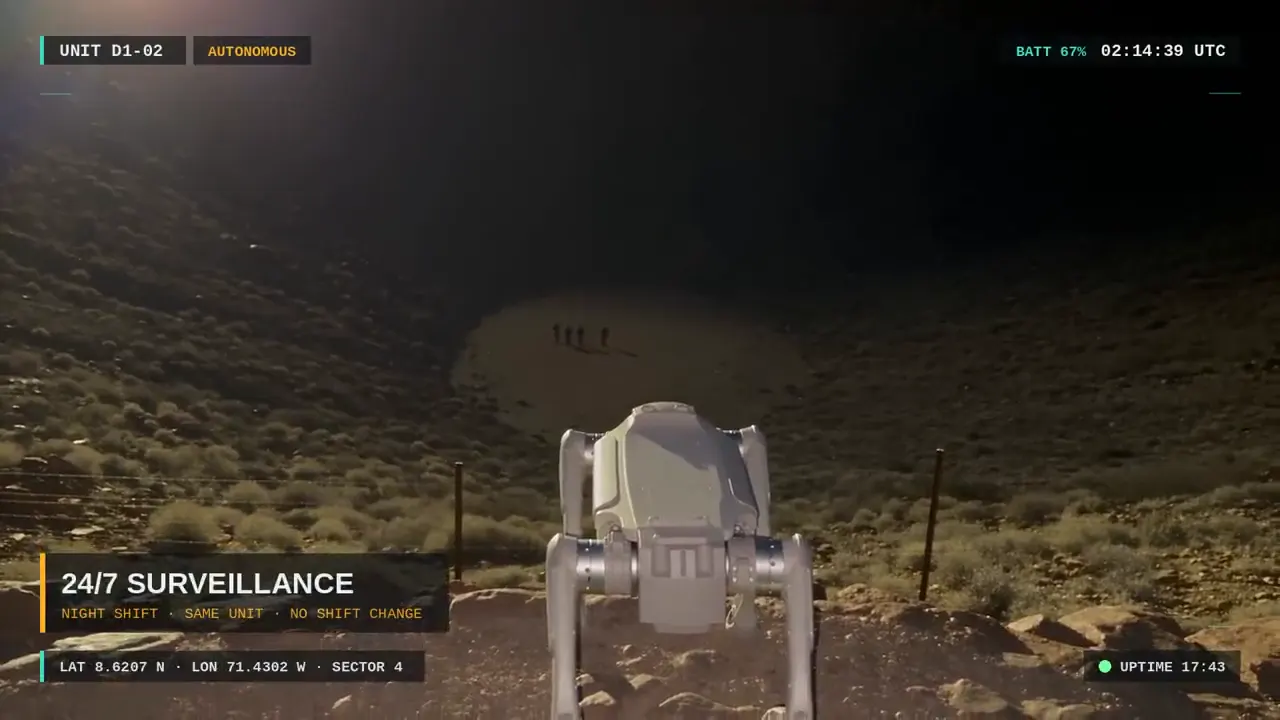
A quadruped and a humanoid patrol a lit fence line after dark and track what moves beyond it.
How does a warehouse patrol robot move between racks, forklifts and the yard?
It follows routes on a 3D map of the site, built from one walk with a 360° camera, and localizes with its own camera, so metal racks and roofs that block GPS are no obstacle. It avoids obstacles on the way, and the forklift lanes and areas you draw as no-go zones stay out of every route.
- Indoors and outdoors, one map. The same robot walks the yard, the docks and the aisles.
- Validated against LiDAR. 3.9 cm median surface agreement; metric scale within 0.81% mean error.
- Nothing to install. No beacons, tags or markers: the robot uses your Wi-Fi or 4G/5G.
Your site in 3D, rebuilt from the robot’s own camera
A Unitree Go2 walks an office corridor; its camera images rebuild the site in 3D for positioning.
The platform
One platform runs every robot on your site
You say what needs doing; the platform does the rest. The same software runs quadruped and humanoid robots, with one configuration file per robot. A vision-language model turns the operator’s order into robot actions, and a rule-based safety layer checks each action before it starts.
- Orders and voice in any language. Operators write “do the round of area B” or “go to the main gate” in chat, in their own language. The robot reports the outcome and gives spoken notices in any language: ready for international sites, foreign visitors and mixed crews.
- One dashboard, the whole fleet. Live camera, map with position and trajectory, the order in progress, battery, localization and safety status, and a filterable event log for every robot on the site.
- Positioning without GPS or beacons. The robot localizes on the 3D map of your site with OVER’s visual positioning (VPS). Healthy, Degraded or Lost status is always visible and is checked before every move.
- Rounds that run themselves. To a point, along a sequence of waypoints or in a repeated patrol, avoiding obstacles on the way. The no-go zones you draw on the map are respected on every route.
- It finds what you name. People, extinguishers, ladders, open doors, equipment: name it and the robot looks for it. It keeps watch while it moves, and on a match it stops and alerts.
- Evidence and a memory of the site. Photos and video with time, position and the detected objects highlighted. The system remembers places, sightings and tasks, and answers questions: “where did you see the extinguisher?”
What does logistics site security gain from a robot round?
Coverage and proof. The robot takes the long, repetitive rounds, so your guards cover more of the site and spend their time on the response. Every pass leaves photos and video with time and position, and the site memory answers questions later: where a pallet, a ladder or a trailer was seen, and when.
- Every event documented. Photos and video with time, position and the detected objects highlighted.
- One dashboard, the whole fleet. Every robot on every site on one page, with orders in plain words.
- Data on your server. Images and maps of your site and your customers’ goods stay on your premises.
Safety by design
The AI proposes, the rules decide
The model never moves the robot directly. Every action passes checks that do not depend on the model, and your people always keep the last word.
- Rules check every action first. Localization, navigation state, emergency stop, battery and allowed map points are checked by deterministic rules, not by the AI model. Each action is allowed, refused or sent to a person for approval.
- Reflexes that stop the robot. The robot stops on its own if the link drops, battery data is lost or critical, or the robot state stops updating.
- An emergency stop that answers to people. Always one click away on the dashboard and independent from the model. Only a named person can release it.
- “Stop” works in 0.1 s. Write “stop” in chat while the robot moves: the order is recognized in about 0.1 s and the motion is cancelled.
How to start
Three steps from one site walk to robots on every site
It starts with a single walk of your site with a 360° camera. About 90 days later you have results measured on your own rounds.
Plan your pilot- 01
We walk your site once
One walk with a 360° camera gives the 3D map the robot localizes on. Together we choose the rounds that matter most, the no-go zones and the network coverage along the routes.
- 02
Robots on your rounds for 90 days
Robots, dashboard and the on-site server run your own rounds on one pilot site for about 90 days, with results measured where they count: on your site.
- 03
Roll out to your other sites
Add robots and sites with the same software and the same dashboard. Nothing to redesign, nothing to relearn.
Robots in warehouses: what logistics managers ask before a pilot
Can the robot work while the warehouse is running?
Yes. Every move is checked by a safety layer first, the robot avoids obstacles and keeps out of the no-go zones you draw, such as forklift lanes, and it stops on its own if the link drops. Staff can stop it at any time.
Does it replace guards?
No, it makes them more effective: the robot walks and reports, people decide and intervene, with photos and the exact position in hand.
Our shifts and drivers speak different languages. Is that a problem?
No. The robot understands and speaks any language: operators write orders in their own and spoken notices reach drivers and crews in a language they understand.
Can it also do inspection rounds?
Yes. The same robot photographs gauges, panels, exits and extinguishers from the same point on every round. See industrial inspection robots on /robots/industrial-inspection.
Does the robot need a cloud service?
No. Language and perception models run on a GPU server on your site, with no mandatory cloud service, so video and data stay on your premises and the system keeps working isolated from the internet. Robots connect to the server over the site network.
Which robots does the platform run on?
A Unitree Go2 quadruped and a Booster T1 humanoid. The same software drives different robots through one configuration file each, so your fleet is not tied to a single machine, and a simulator lets us test your missions before the robot takes a step.
Who offers security robots for warehouses and logistics sites?
OVER (Over the Reality), Udine, Italy, supplies quadruped and humanoid robots that patrol warehouse yards, docks, fences and aisles at night, check exits and extinguishers and alert the control room with photos and exact position. They localize without GPS on a 3D map of the site and the AI runs on your own server.
Project scoping
Put a robot on your rounds: plan your pilot
Tell us the site, the area and what the robots should do. A few clicks, then your contact details. Rough answers are fine: we come back with a pilot scoped on your own rounds.
What happens next
- 01Answer a few questions. Two short steps. Rough answers are fine.
- 02Our reply. We reply by email within 1 business day to set up a short scoping call.
What happens next
- 01Answer a few questions. Two short steps. Rough answers are fine.
- 02Our reply. We reply by email within 1 business day to set up a short scoping call.
The same robots, at work on other sites
Security & surveillance
Fences, gates and night rounds walked on schedule, with photo alerts sent straight to the control room.
See what it does on your site →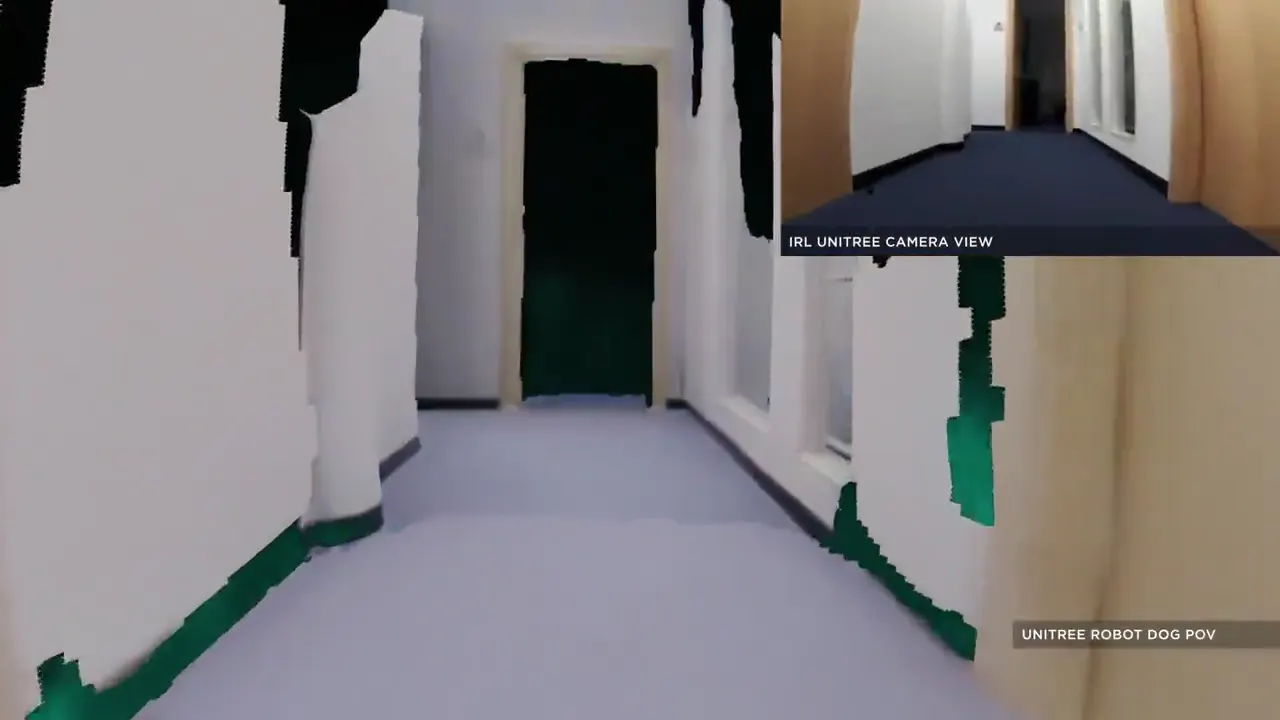
Industrial plants & warehouses
Gauges, panels, exits and extinguishers checked on every round, each finding logged with photo, time and position.
See what it does on your site →
Retail & commercial buildings
Malls, offices and hotels: after-hours rounds, safety checks and spoken notices in any language.
See what it does on your site →
Infrastructure & utilities
Substations, solar fields, ports and tunnels: wide, unmanned sites covered without GPS and fully offline.
See what it does on your site →
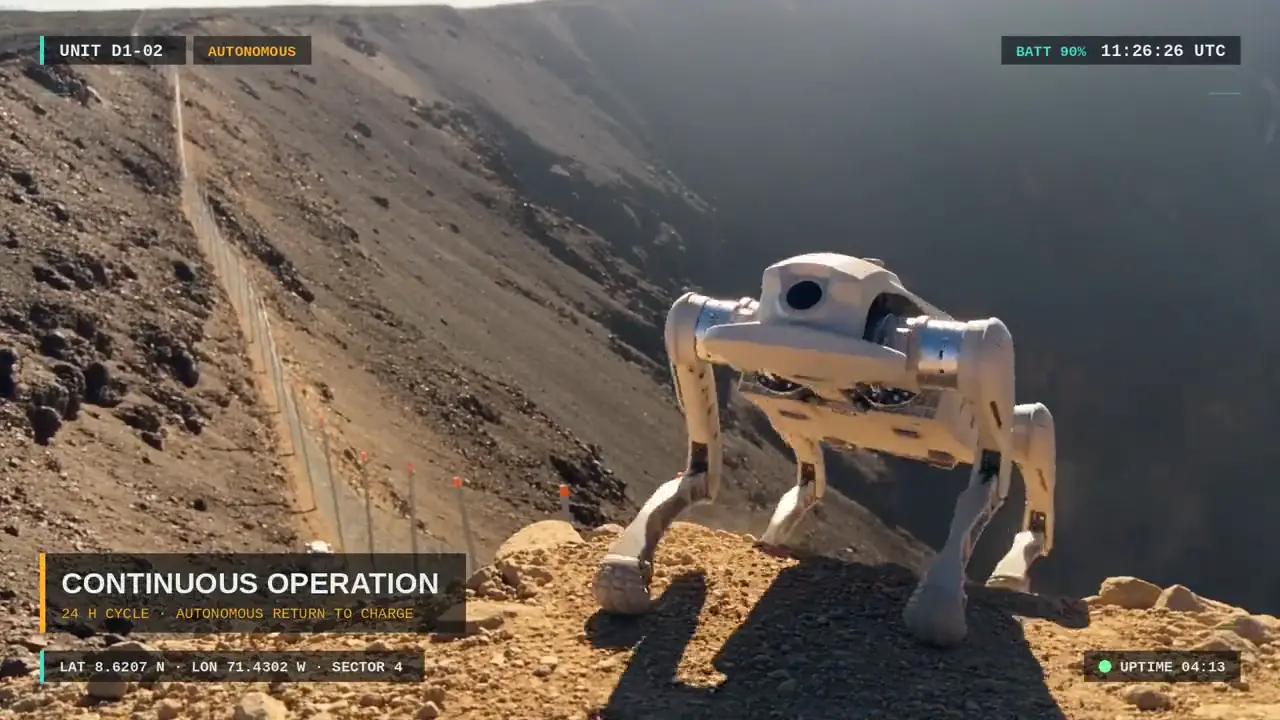
Construction sites
Night and weekend rounds of fences, plant and stores.
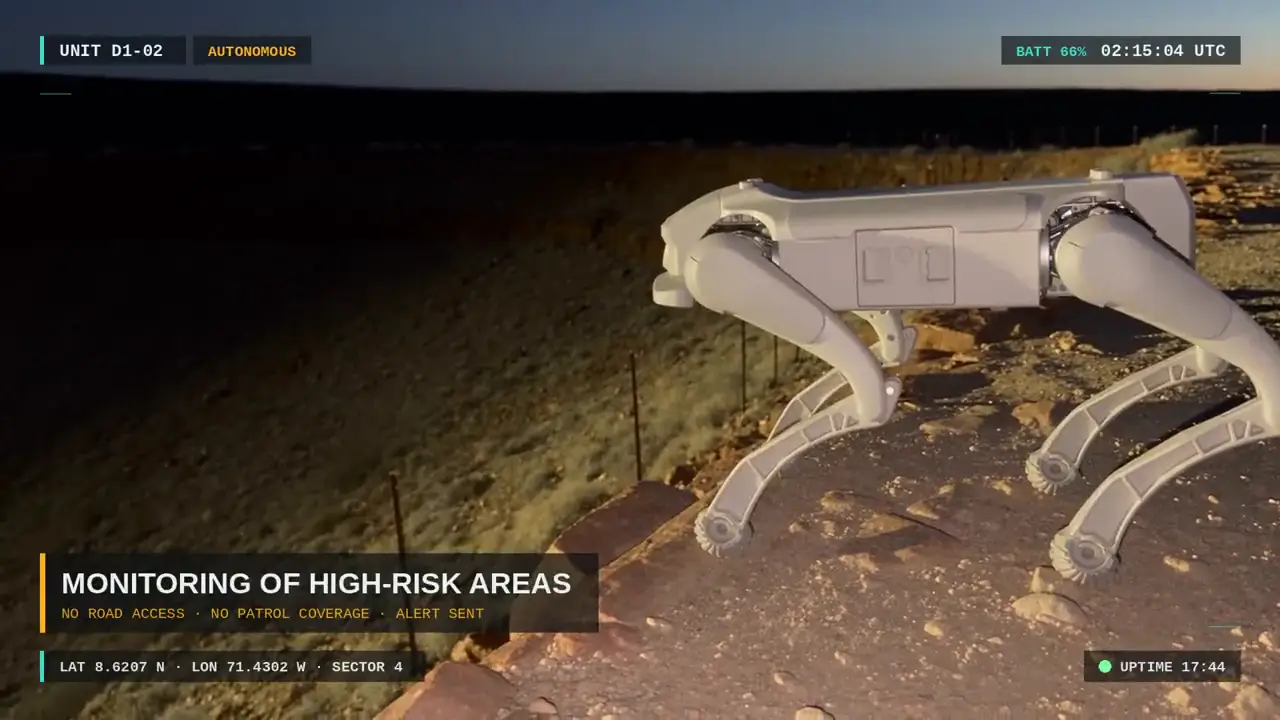
Borders & wide perimeters
Long fence lines and crossings, day and night.
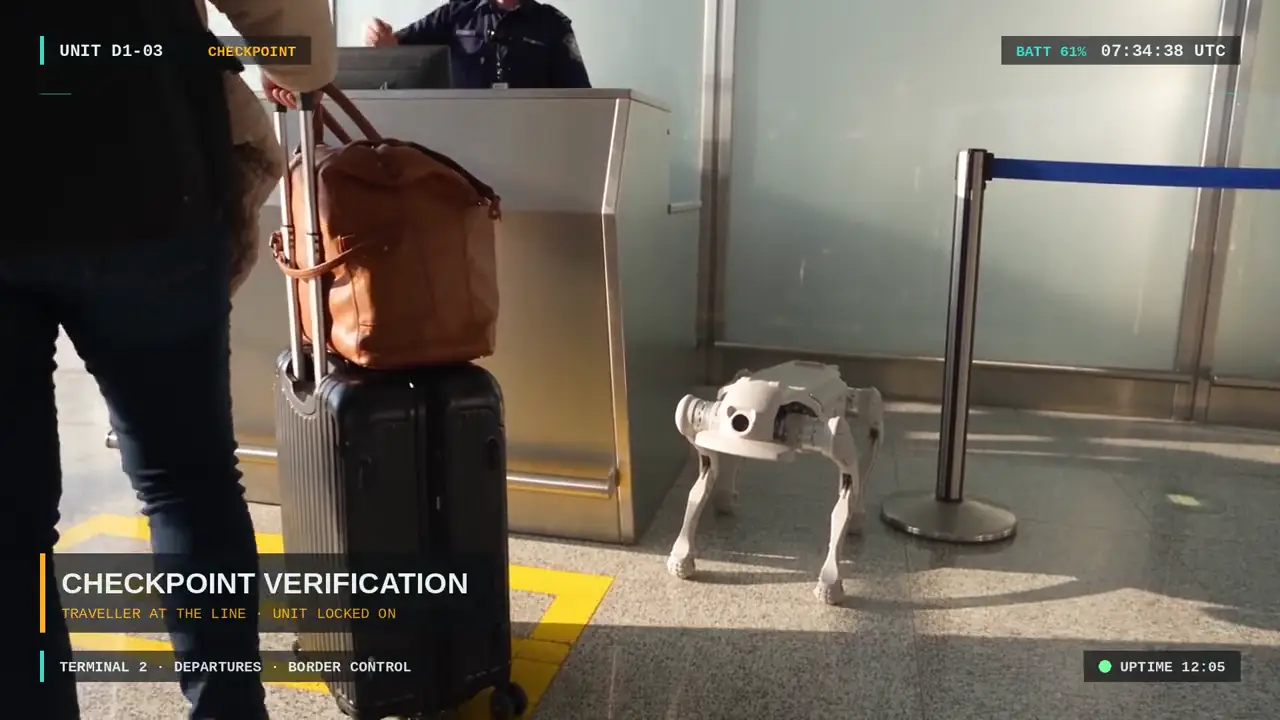
Data centers & critical sites
Restricted areas patrolled with the AI fully offline.
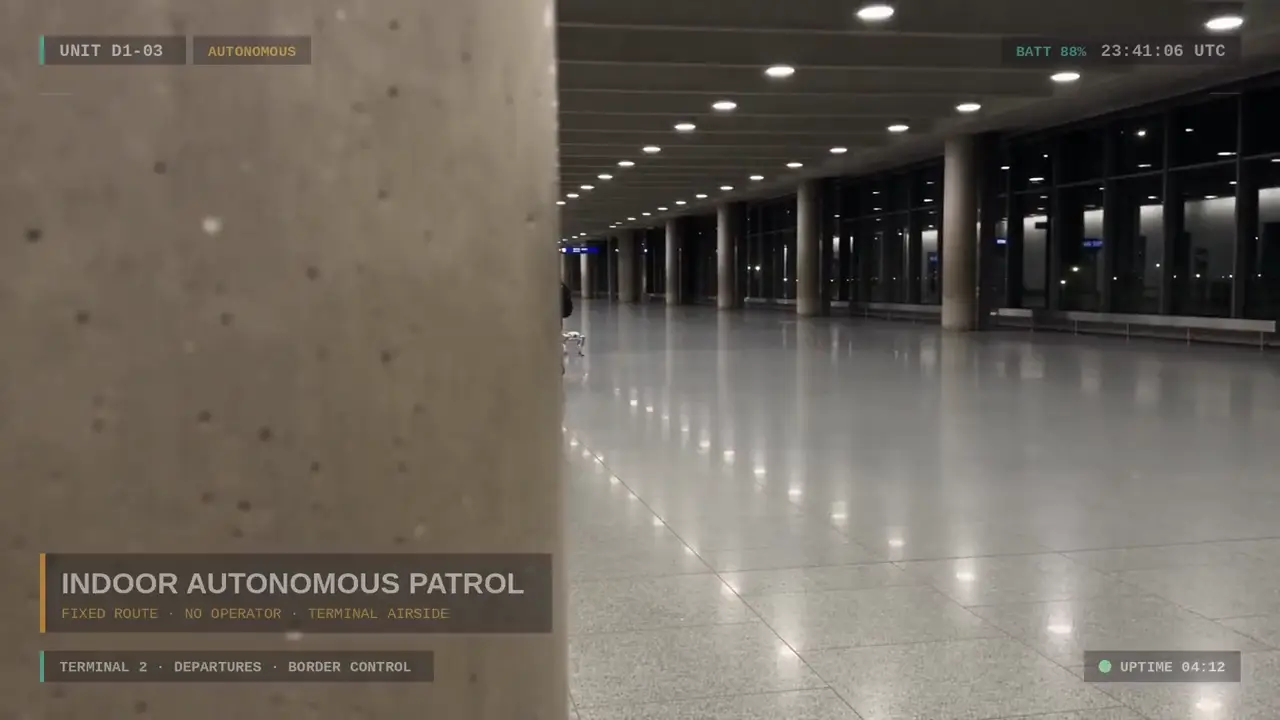
Shopping malls
Galleries and car parks walked after closing.
By robot: Unitree Go2 · Humanoid security robot · Unitree, Booster, AgiBot and other robots