
Hospital wayfinding from car park to clinic
Hospital wayfinding that patients open from their appointment reminder: AR directions in the phone browser, a map on your website and kiosks at reception. No app, no beacons, no markers.
Part of OVER Wayfinding Suite: mapping, mobile AR, web map and kiosks from one 3D map. In a hospital: kiosks at reception and a link in the appointment reminder, with the same route on both.
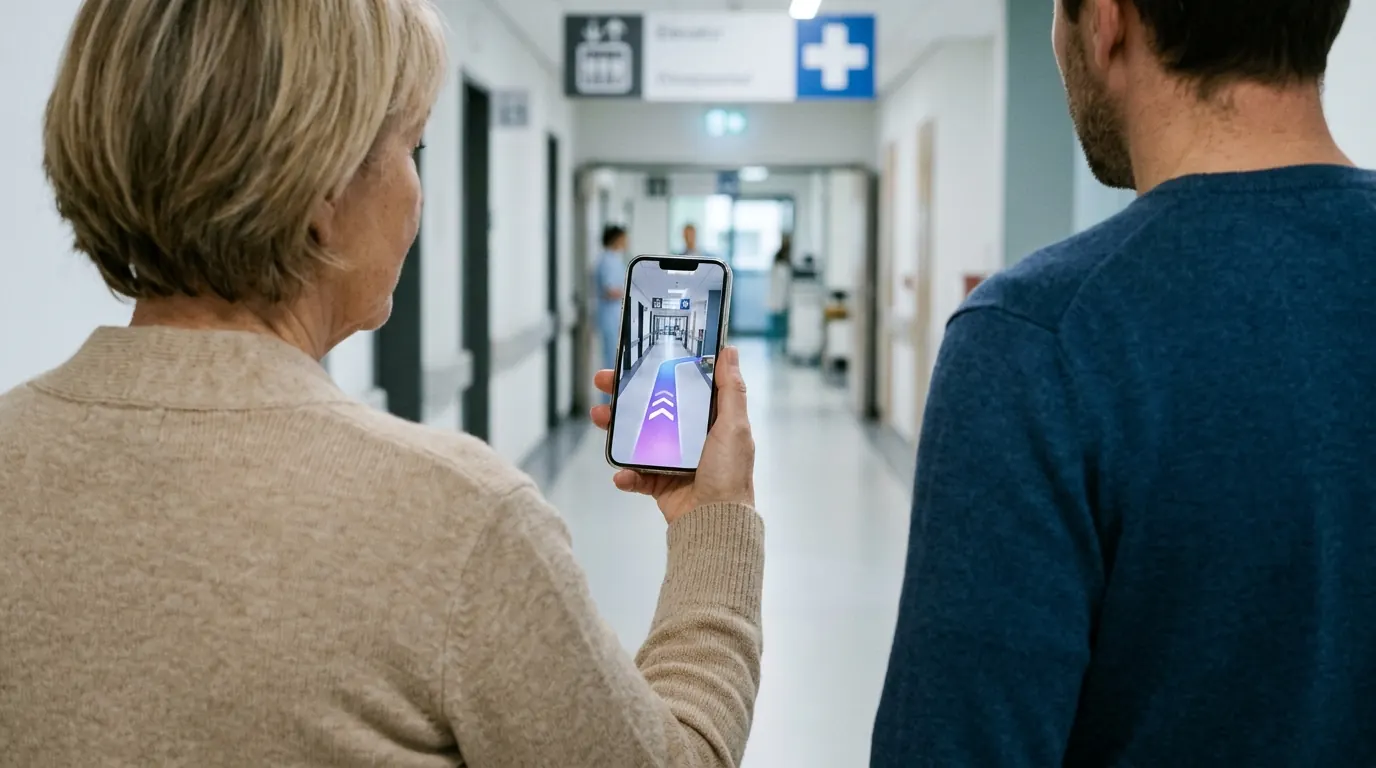
What is a hospital indoor navigation system?
A hospital indoor navigation system guides patients and visitors from the entrance or car park to a ward, clinic or lab, across buildings and floors. OVER does it with the phone camera and a 3D map of the hospital, so there are no beacons to install and nothing for patients to download.
- From the reminder to the clinic. The SMS or email reminder carries a link that opens the route to the right building and floor.
- Changing buildings. Routes cross pavilions, bridges and underground corridors, with lifts marked.
- Reception kiosks. Pick a ward on the kiosk and pass the route to a phone with a QR code.
- From the car park. Directions start where visitors arrive, not only at the main entrance.
The four parts, in a hospital
One 3D map of the hospital runs all four parts. Update a destination once and every screen follows.
- 01
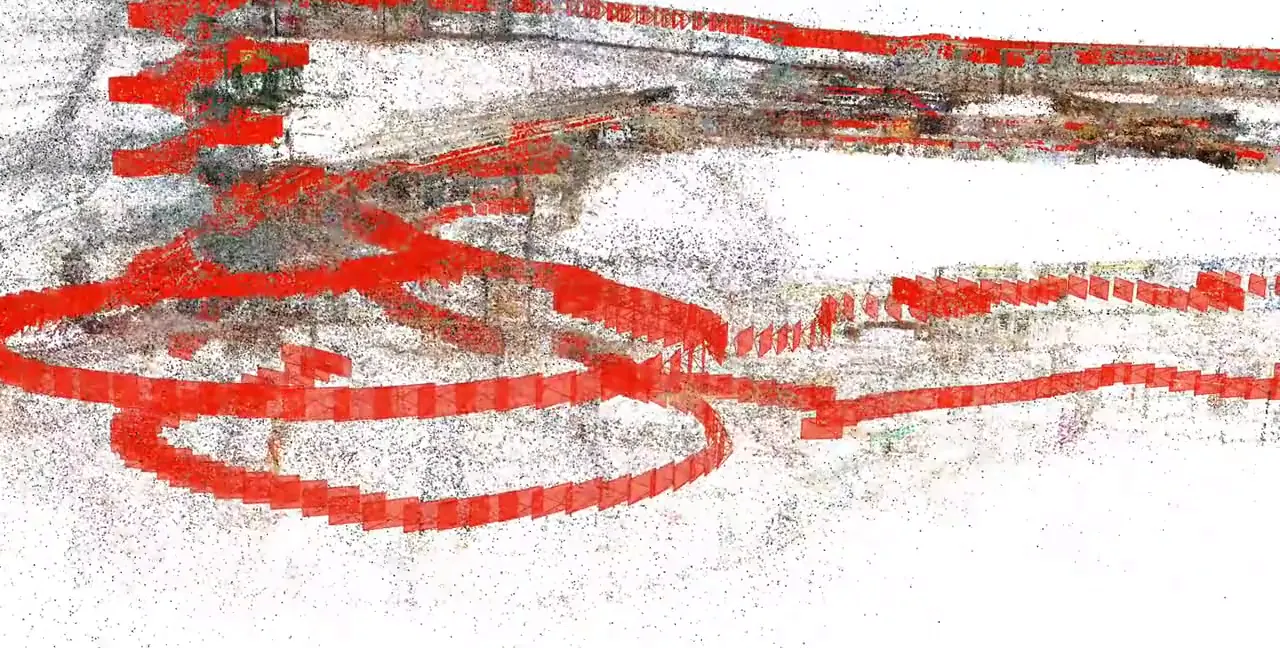
3D Venue Mapping
Buildings, corridors and car parks mapped with one 360° camera.
- 02
Mobile AR Navigation
Patients open AR directions from the appointment reminder.
- 03
Interactive 3D Web Map
The same map on your hospital website, to plan the visit.
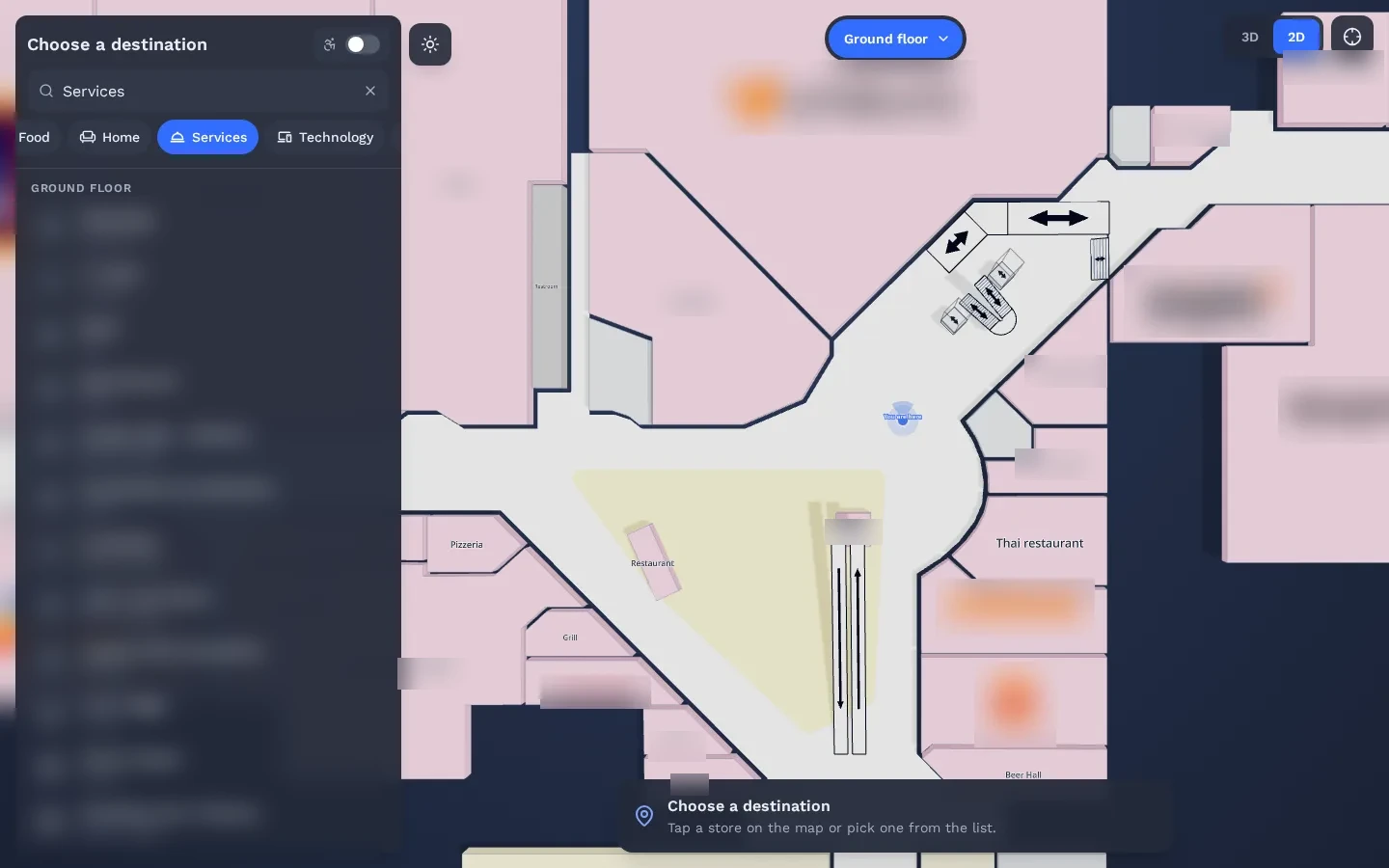
- 04
Wayfinding Kiosks
Reception kiosks hand the route to the patient’s phone with a QR code.
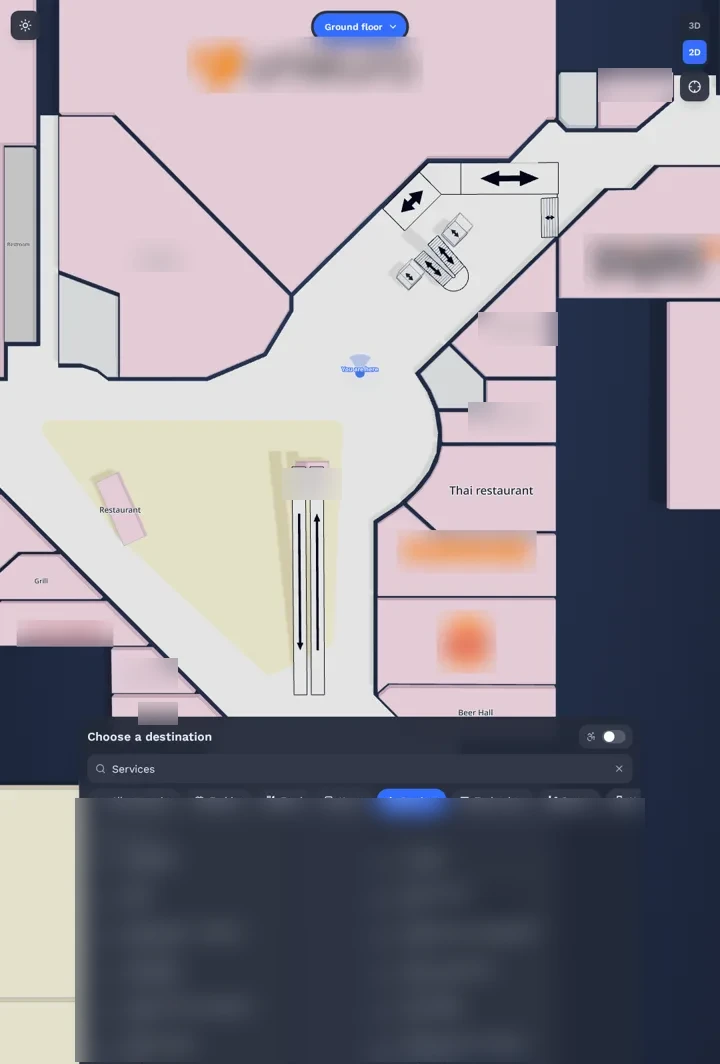
How does patient wayfinding work without an app?
Patients tap a link in their appointment reminder or scan a QR code at the entrance. The route opens in the phone browser, on iOS Safari or Android Chrome, and the camera shows arrows on the real floor. There is nothing to install, which matters for older patients and for visitors who come once.
- Nothing to install. The route opens in Safari or Chrome on the patient’s own phone.
- Floor changes included. Lifts and floor changes are part of the route.
- One place to update. When a clinic moves, the phone, web and kiosk routes change together.
See it working in a real mall
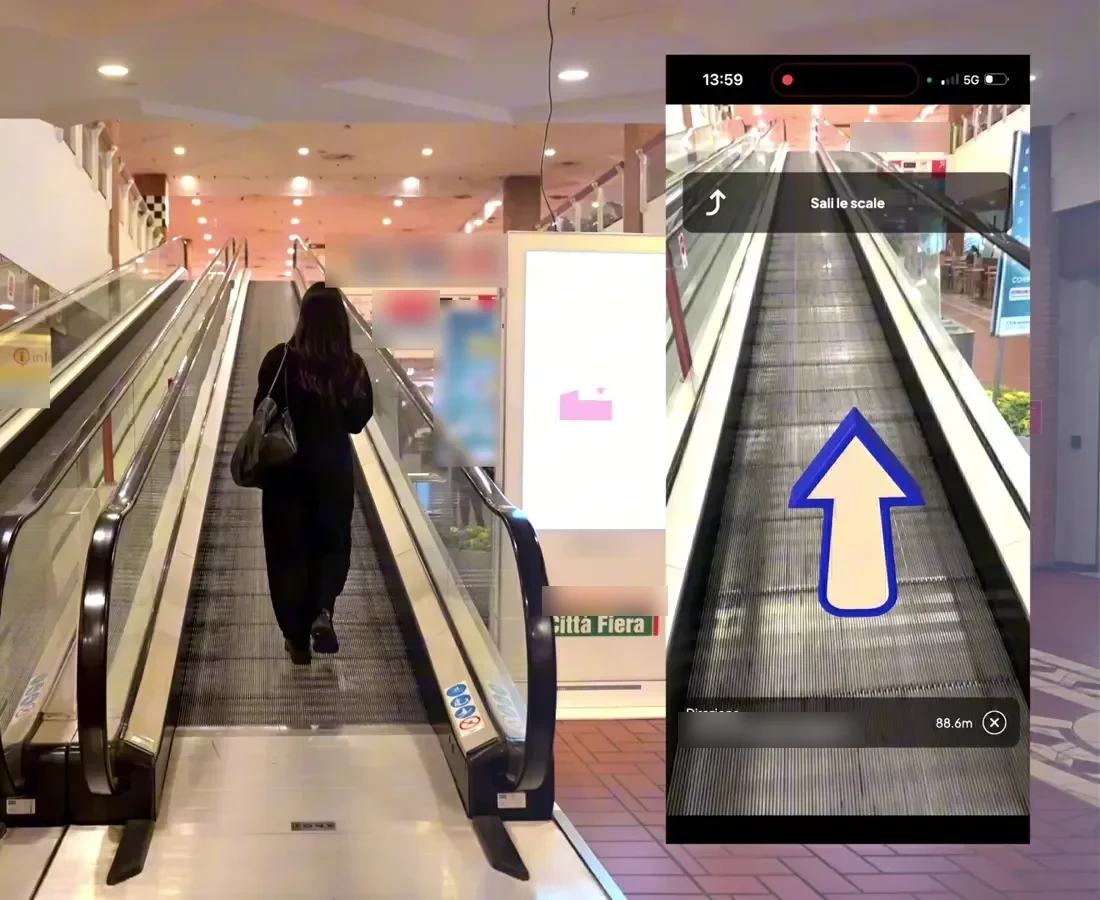
The same technology is live in a 150,000 m² multi-floor shopping mall. Real visitors scan a QR code and follow AR directions in the browser.
Read the Città Fiera case study →Can routes avoid stairs for wheelchair users?
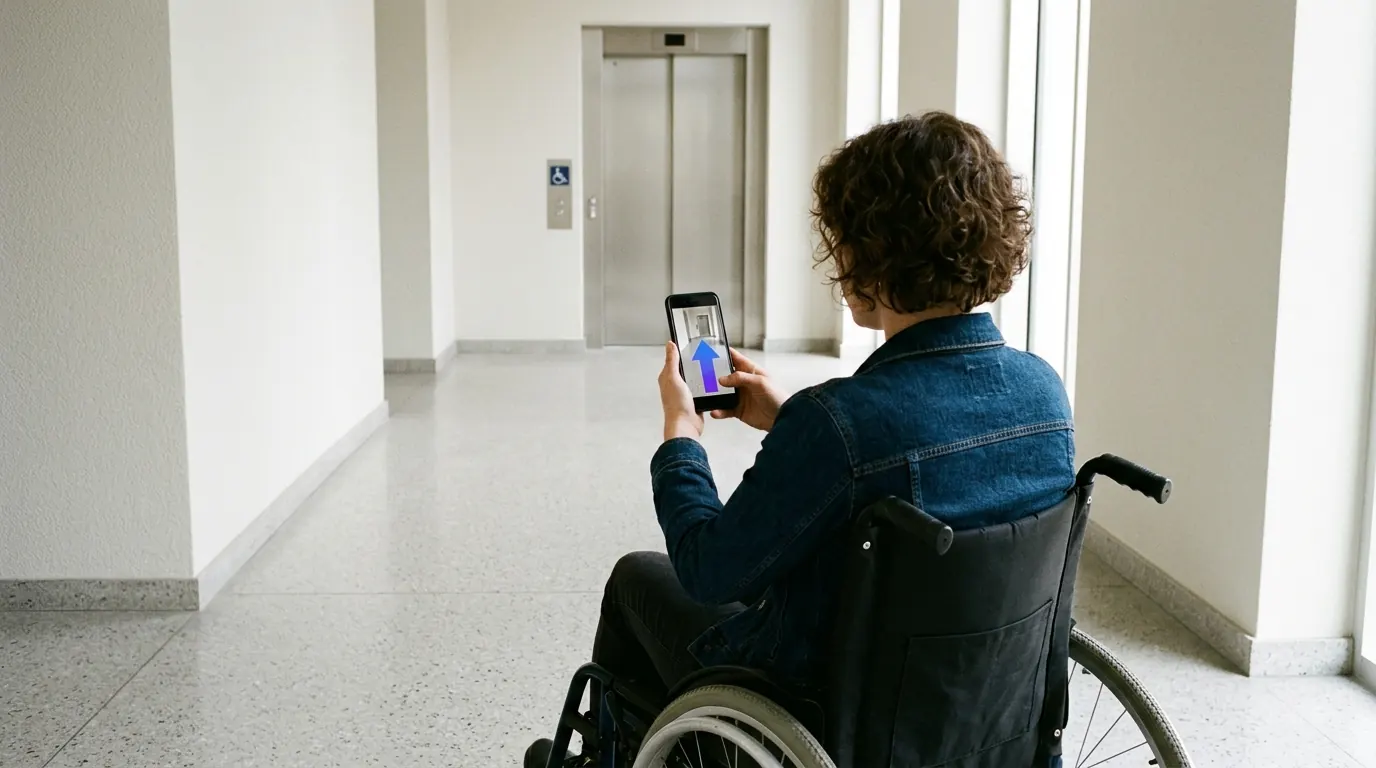
Yes. Routes can be set to avoid stairs and escalators and to use lifts and ramps instead. The step-free route is the same on the phone, on the web map and on the reception kiosks, so patients, carers and staff all see the same directions.
Questions buyers ask
Do GPS apps work inside hospitals?
Not reliably. Buildings block GPS, especially on lower floors and in long corridors. OVER positions the phone with its camera and a 3D map of the hospital instead.
Do we need to install anything on our network?
No positioning hardware is installed: no beacons, no Wi-Fi sensors and no markers on the walls. Kiosks are optional screens on site, used only if you choose them.
Is OVER already live in a hospital?
Not in one we can name yet. The same technology is live at Città Fiera, a 150,000 m² multi-floor shopping mall in Udine, Italy, where real visitors navigate with their phones.
What do you need from us for a quote?
The hospital name, the approximate area in m² and the number of floors or buildings. Rough numbers are fine. We reply with a preliminary quote within a few days.
Request a quote
A few clicks to tell us about your venue or project, then your contact details. Rough answers are fine.