
Campus wayfinding for universities and campuses
Campus wayfinding that students and guests open from a link: directions to lecture halls, offices and meeting rooms in the phone browser, a campus map on your website and kiosks in the lobby. No app, no beacons, no markers.
Part of OVER Wayfinding Suite: mapping, mobile AR, web map and kiosks from one 3D map. On a campus: a link in the timetable or invitation, kiosks at reception, the same route on the phone.
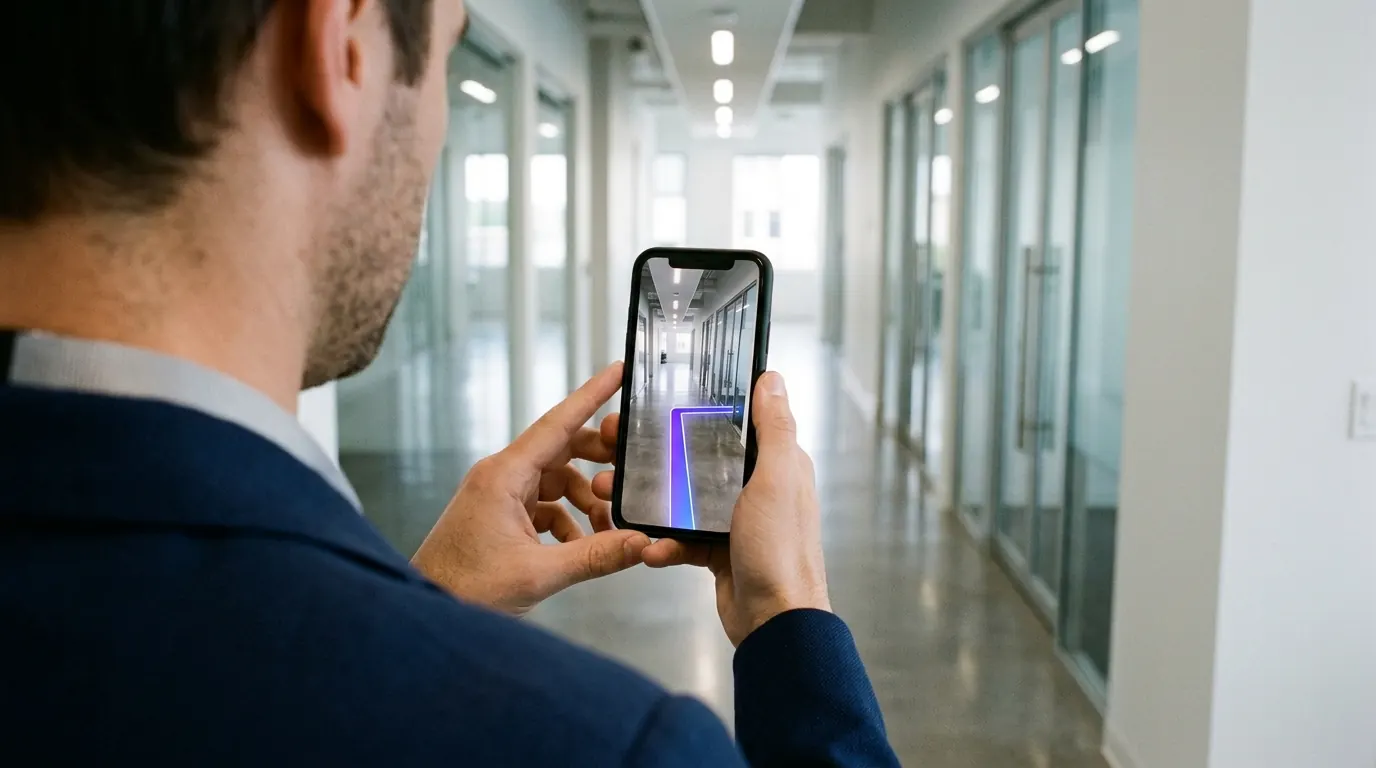
Do students need to install a campus navigation app?
No. A campus navigation app is one more download that new students and guests rarely make. With OVER the route opens from a link in the timetable, the invitation or a QR code at the entrance, and runs in the phone browser. The camera finds the position indoors, where GPS stops working.
- First weeks of term. New students find lecture halls, labs and offices on their own.
- Guests and suppliers. The invitation carries a link to the right meeting room.
- Reception kiosks. Pick a room on the kiosk and pass the route to a phone.
- Events and open days. Temporary destinations for one day, removed the day after.
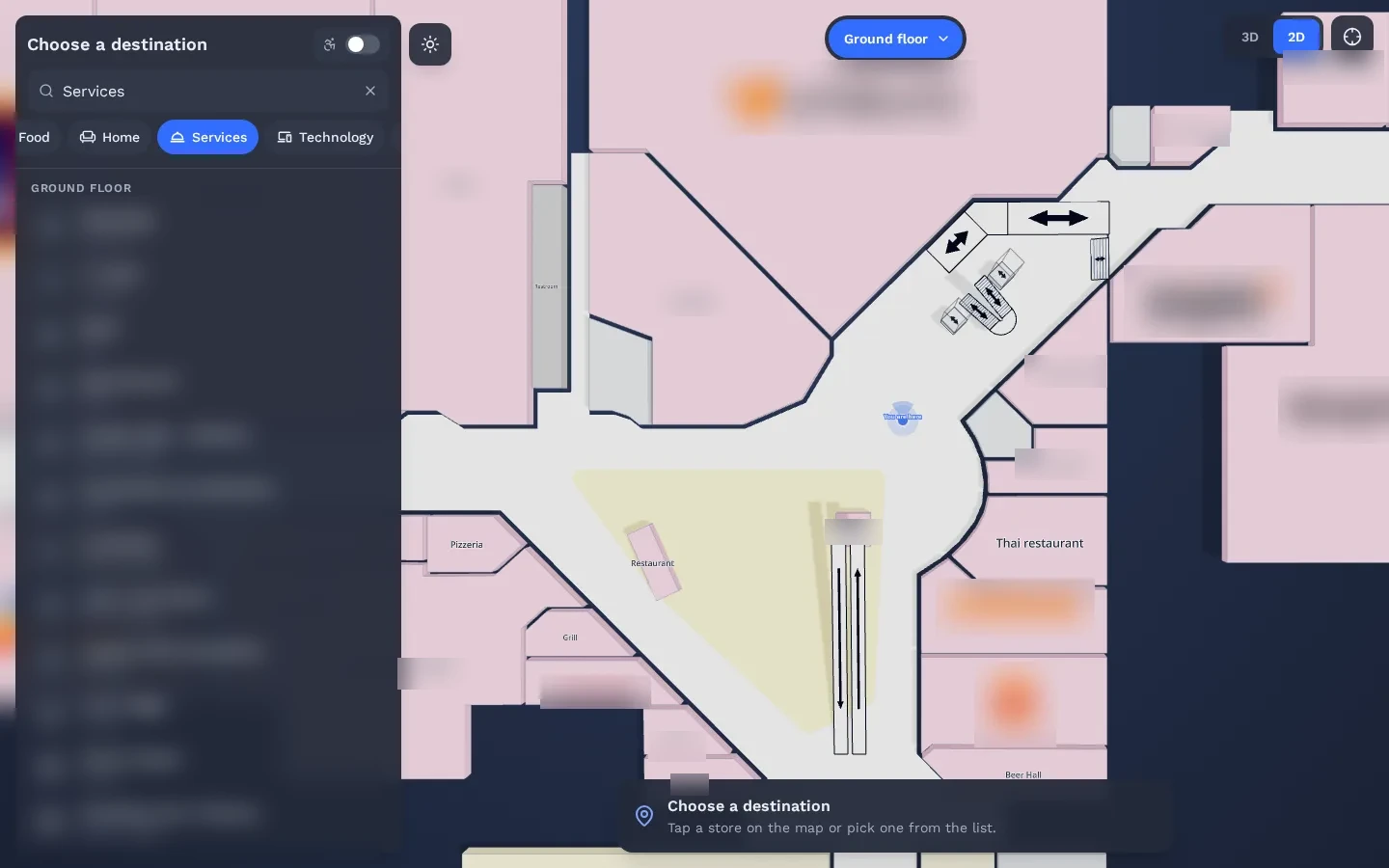
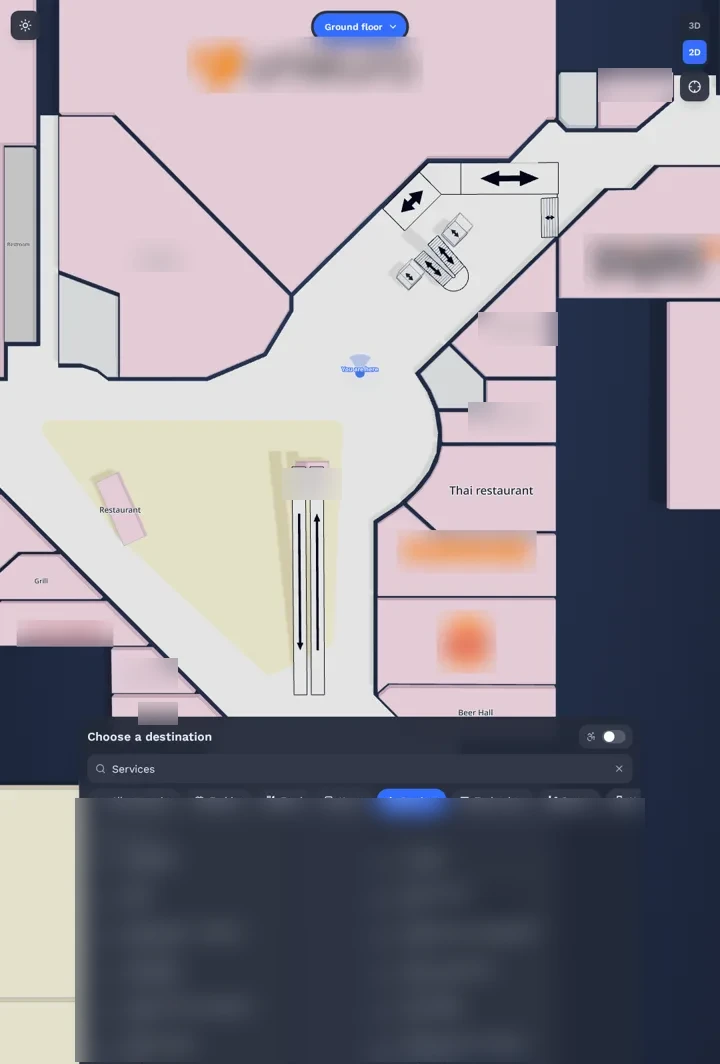
The four parts, on a campus
One 3D map of the campus runs all four parts. Update a destination once and every screen follows.
- 01
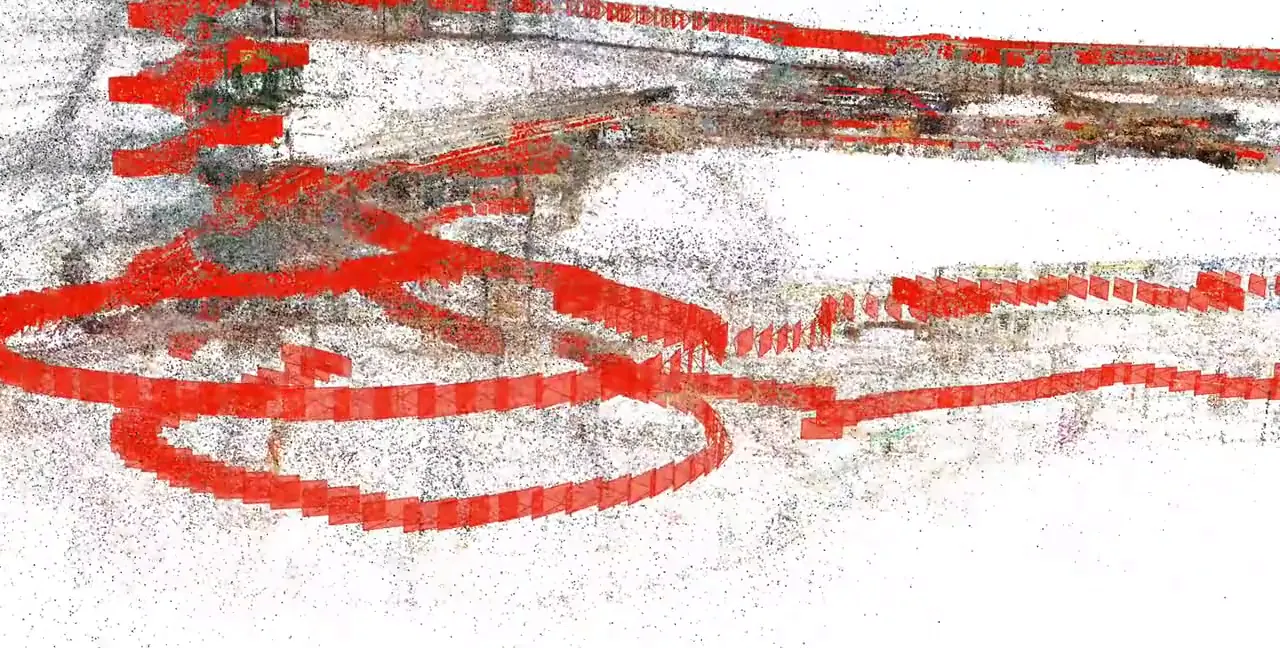
3D Venue Mapping
Buildings, corridors and outdoor links mapped with one 360° camera.
- 02
Mobile AR Navigation
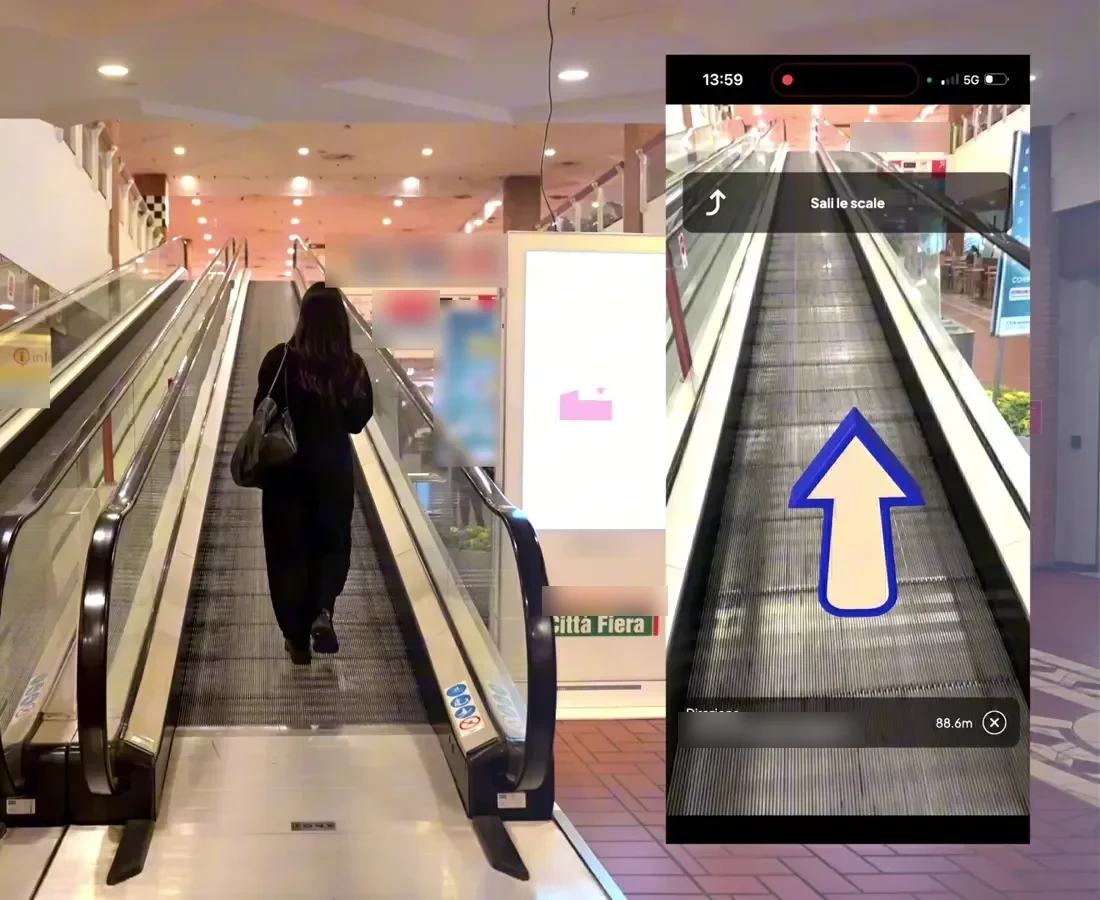
AR directions from the timetable, the invitation or a QR code.
- 03
Interactive 3D Web Map
The campus map on your website, with rooms and services.
- 04
Wayfinding Kiosks
Lobby kiosks pass the route to the visitor’s phone.
How does a university navigation app handle many buildings?
Each building is mapped in 3D and joined into one campus map, so a route can start outdoors and continue inside, across floors. Students search for a room code or a department and follow the arrows. The same map runs on the university website and on lobby kiosks, and changes are made once.
See it working in a real mall
The same technology is live in a 150,000 m² multi-floor shopping mall. Real visitors scan a QR code and follow AR directions in the browser.
Read the Città Fiera case study →Can visitors get directions to a meeting room?
Yes. The meeting invitation or the visitor badge can carry a link that opens the route to the right building, floor and room. Reception staff stop giving the same directions all day, and guests, suppliers and contractors arrive on time and stay on approved paths.
Corporate campuses and production sites
We are onboarding the corporate and production site of a multinational industrial group.
The same 3D capture also feeds robotics and simulation →- Visitors. From the gate or reception to offices and meeting rooms.
- Suppliers and contractors. Routes that follow approved paths to departments and loading areas.
- New employees. Find departments, canteens and services in the first weeks.
Questions buyers ask
Does it work for corporate campuses too?
Yes. Offices, production sites and headquarters use the same suite for visitors, suppliers and contractors.
Can we restrict routes for contractors?
Routes can follow the paths you approve, for example to keep contractors away from restricted areas.
Is OVER already live in a university campus?
Not in one we can name yet. The same technology is live at Città Fiera, a 150,000 m² multi-floor shopping mall in Udine, Italy, where real visitors navigate with their phones.
What do you need from us for a quote?
The campus name, the approximate area in m² and the number of floors or buildings. Rough numbers are fine. We reply with a preliminary quote within a few days.
Request a quote
A few clicks to tell us about your venue or project, then your contact details. Rough answers are fine.