
Web AR platform and no-code AR builder
Web AR platform for brands and agencies: build AR scenes in a no-code AR builder and publish them as a link or QR code. People open the experience in the phone browser, with no app.
See pricing · Already a customer? Log in
Generate 3D assets and build AR scenes in your browser
Real capture of the OVER no-code browser editor: prompt AI 3D models, place them in the scene, and publish to a link.
Real WebAR examples
Experiences built and published with OVER
Luxury retail 3D product showcase
Shoppers inspect a 3D handbag at true scale in their mobile browser before buying.
QR code street & packaging activation
Scanning a printed QR code launches an interactive 3D apparel experience in seconds.
VPS outdoor location anchoring
3D content stays locked to a real public square using camera-based visual positioning.
Interactive AR portal & showroom
Visitors step inside a 360° virtual exhibition room right from Safari or Chrome.
Printed card & packaging AR trigger
Pointing the phone camera at a printed card or package launches 3D AR in the browser.
Restaurant table 3D AR menu
Guests scan a table QR code to preview dishes in 3D on the table in front of them.
What is a web AR platform?
A web AR platform lets you create augmented reality experiences that open in the phone browser instead of an app. You build the scene, publish a link or QR code, and people point their camera to see 3D content in place. OVER adds a visual positioning system, so content can stay anchored to real locations.
Can people open AR without an app?
Yes. OVER experiences run in iOS Safari and Android Chrome. People scan a QR code or tap a link and the camera opens in the browser, so there is no app store step in the way. That matters for campaigns, packaging, events and stores, where people give you seconds, not minutes.
What can you build with a no-code AR builder?
With OVER’s no-code AR builder you place 3D models, video, images and links in a scene, add simple interactions, and publish. You can generate 3D assets from text or images with the built-in AI tool, use image targets on print, or anchor content to real places with VPS.
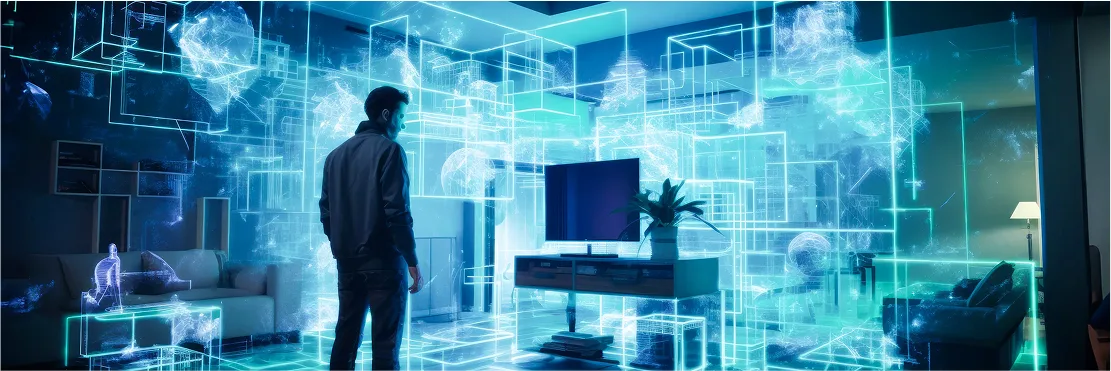
VPS location anchors
Lock 3D content to real streets, stores and indoor rooms mapped in 3D.
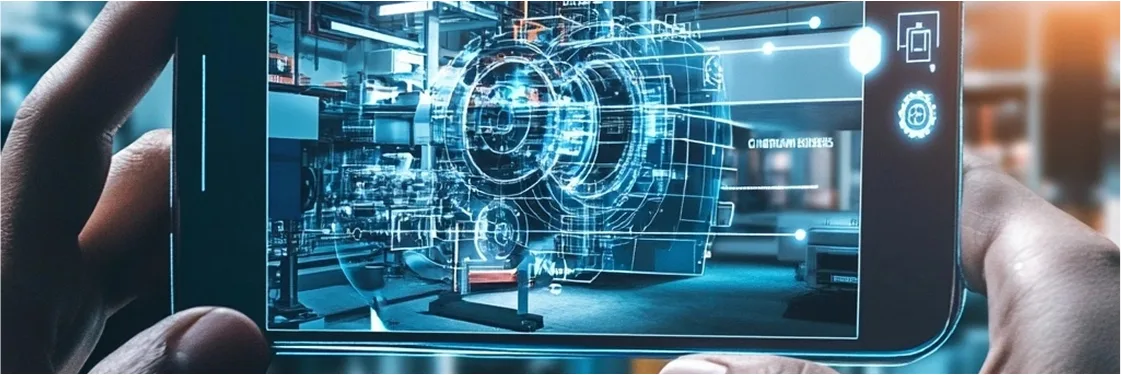
Image targets
Trigger AR scenes on packaging, posters, magazines and printed badges.

Scene hierarchy & gizmos
Position, rotate and scale 3D GLB models with X, Y, Z transform gizmos.
Lighting & real-time shadows
Configure skybox, ambient light, directional light and contact shadow toggles.

Instant browser publishing
Publish directly to experiences.ovr.ai or embed via link and QR code with no app.
AI 3D asset generator
Generate ready-to-use 3D models from a text prompt right inside the Web Builder.
Author directly inside a 3D digital twin
Positioning and scaling a 3D animated asset inside a scanned venue in the OVER browser editor.
Brands, agencies and schools that build with the WebAR Builder









WebAR Builder customers (brand and campaign projects). Indoor navigation deployments are listed separately on Customers.
Agency building WebAR for clients? Partner with us →
Need wayfinding for a venue rather than a campaign? See OVER Wayfinding Suite.
Questions buyers ask
Is there a free plan?
Yes. You can start with a free workspace and upgrade when you need persistent links and branding. See the pricing page.
Can we use our own 3D models?
Yes. Upload your models, or generate new ones from text or images with the built-in AI tool.
Can I scan a small space myself?
For small spaces, the self-service OVER Map app lets you scan with a smartphone. Large venues are mapped by our team with a 360° camera.
Talk to us about a WebAR project
A few clicks to tell us about your venue or project, then your contact details. Rough answers are fine.