
Event wayfinding for trade fairs and venues
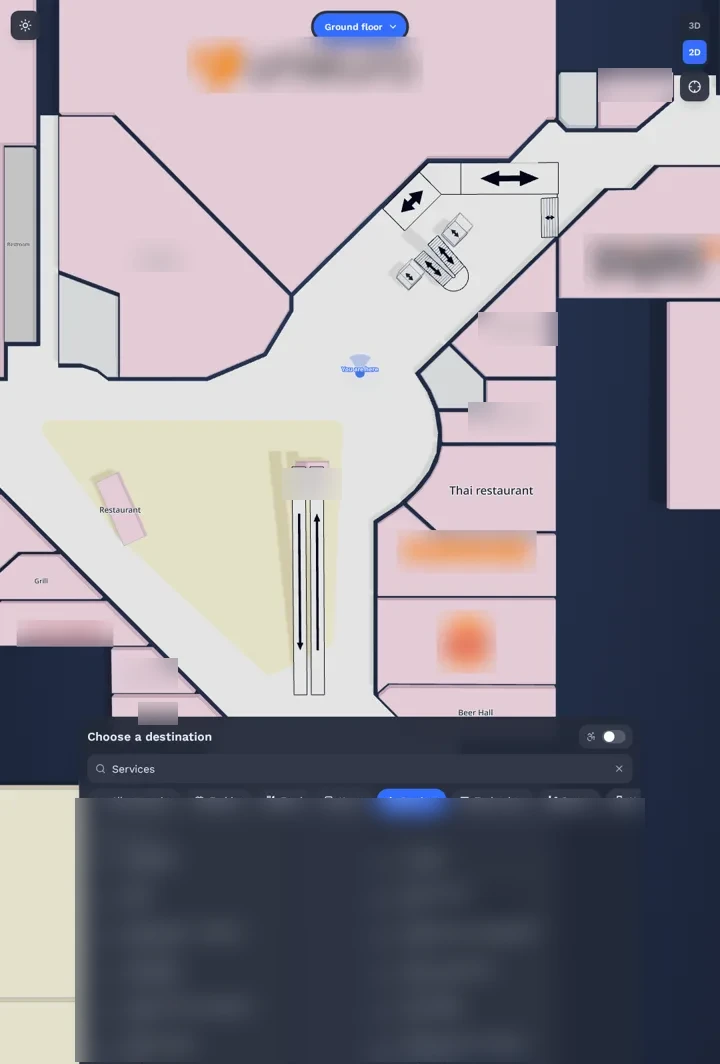
Event wayfinding that follows every new layout: an interactive trade show floor map, AR directions to stands on visitors’ phones and kiosks at the hall entrances. No app, no beacons, no markers.
Part of OVER Wayfinding Suite: mapping, mobile AR, web map and kiosks from one 3D map. At an event: the floor map on the event website, a QR code on the badge and kiosks at each hall entrance.
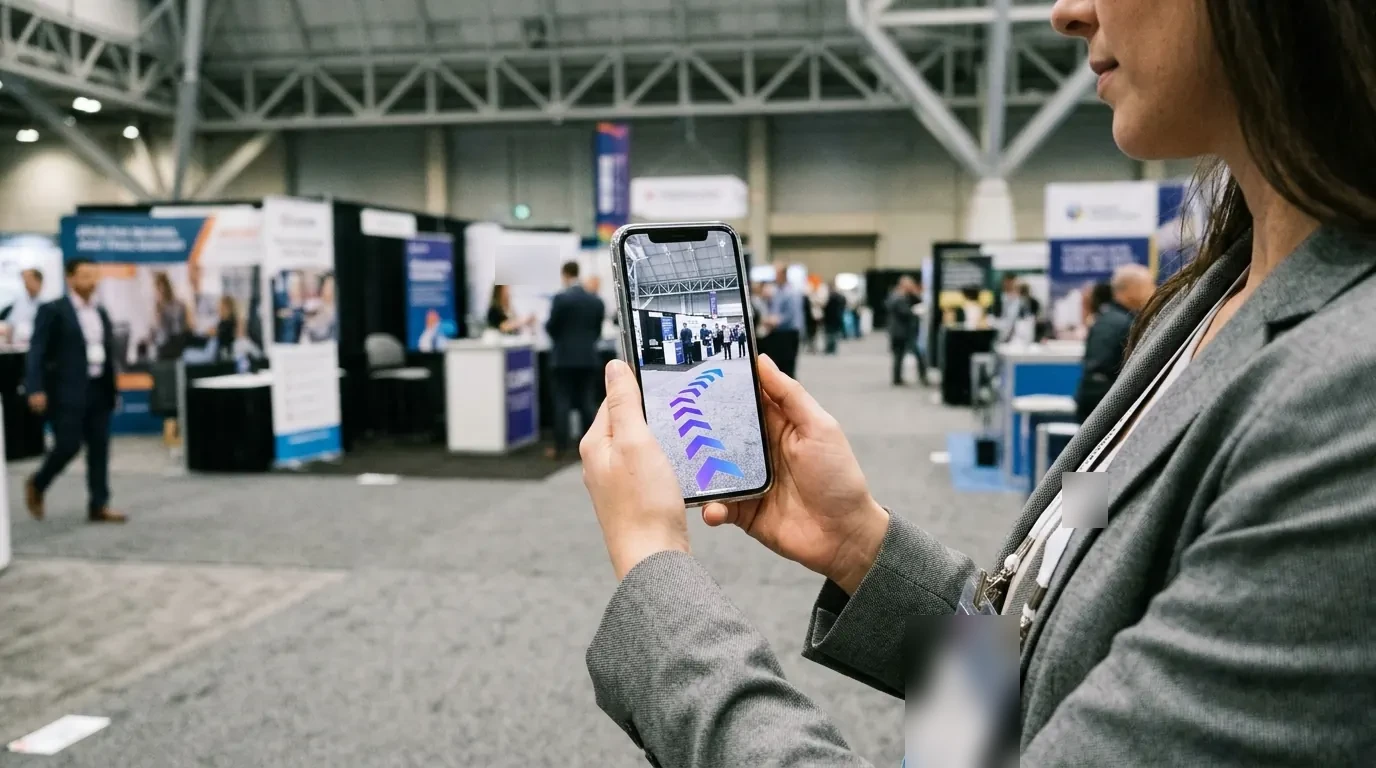
How do you keep a trade show floor map up to date?
The hall is mapped in 3D with a 360° camera, and each event’s stand layout is loaded as destinations. The floor map, AR routes and kiosks then update together. When a layout changes a lot, a new capture walk is quick: at Città Fiera, 150,000 m² took 90 minutes.
- Find a stand. Visitors search an exhibitor and follow arrows across halls.
- Sponsored routes. Exhibitors can sponsor routes and highlights on every screen.
- Conference sessions. Directions to rooms and sessions in the congress area.
- Flows per hall. Aggregated data on which halls and aisles people use.
Update booths, stages and sponsor pins in the browser
Organisers place routes, booth pins and 3D sponsor activations directly inside the venue twin.
The four parts, at an event
One 3D map of the exhibition center runs all four parts. Update a destination once and every screen follows.
- 01
3D Venue Mapping
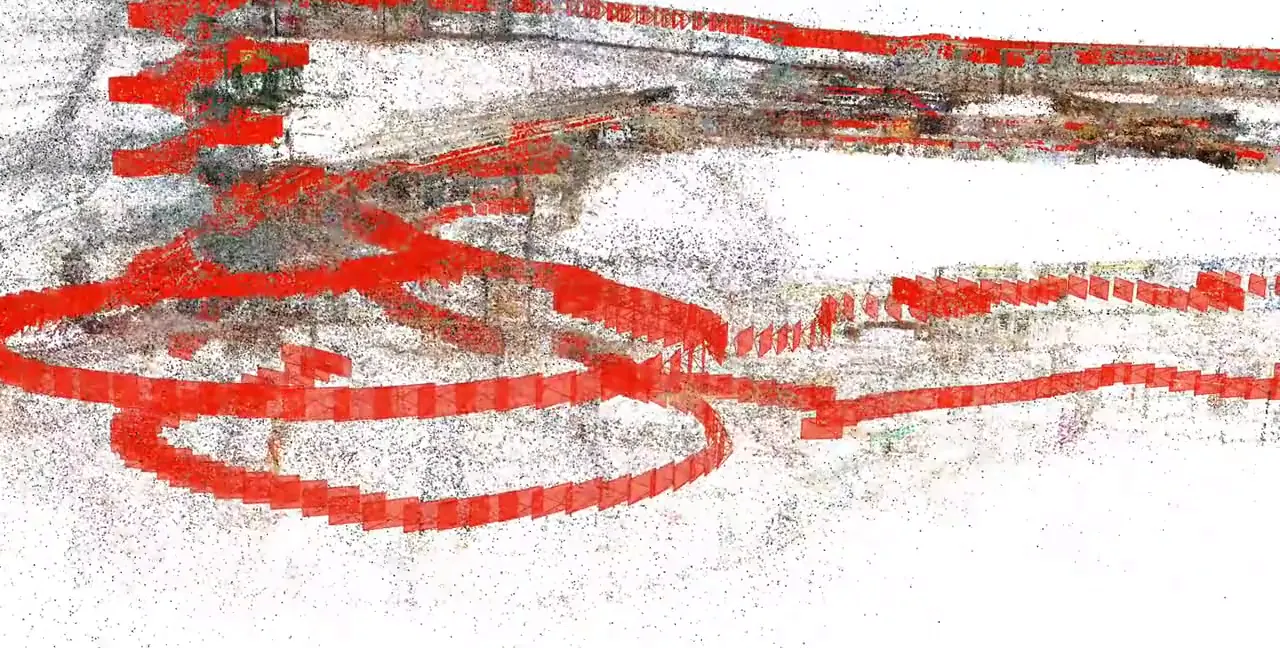
Halls mapped with one 360° camera, quick to redo when layouts change.
- 02
Mobile AR Navigation
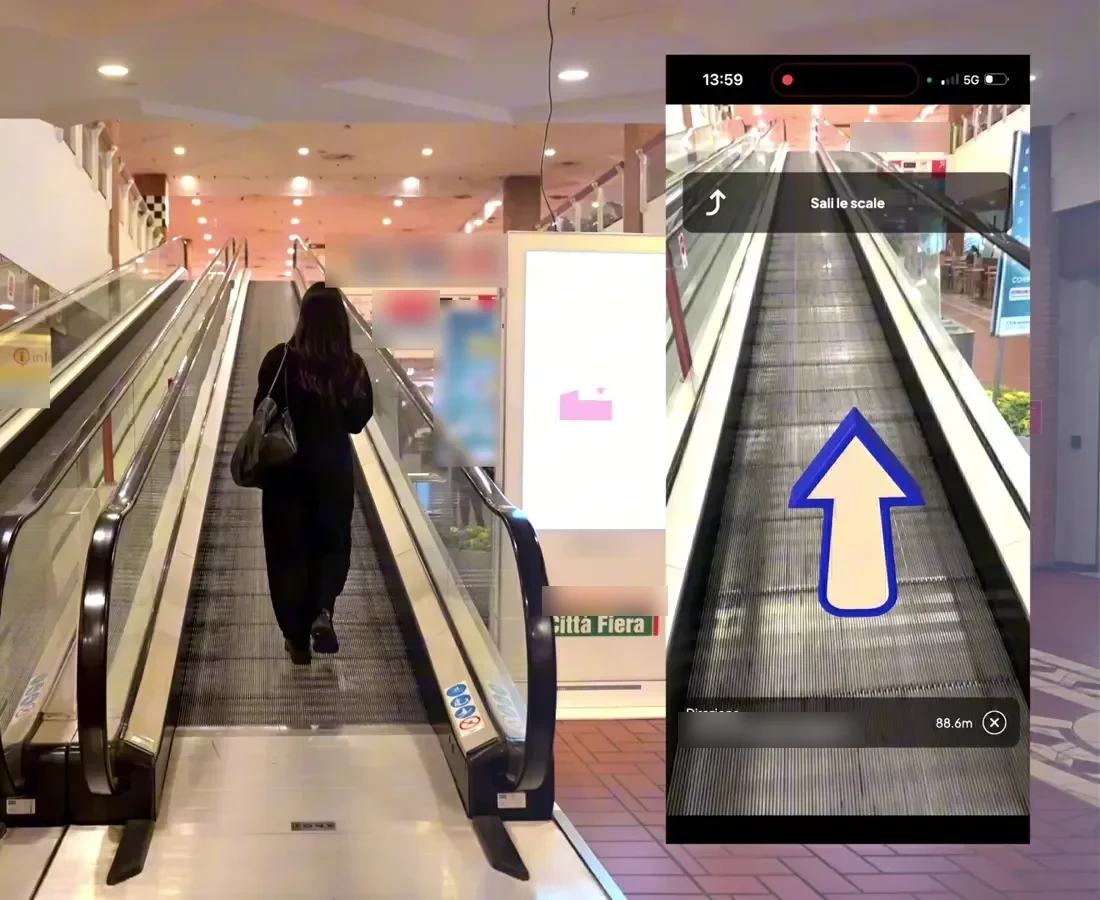
AR directions to a stand from a QR code on the badge or at the entrance.
- 03
Interactive 3D Web Map
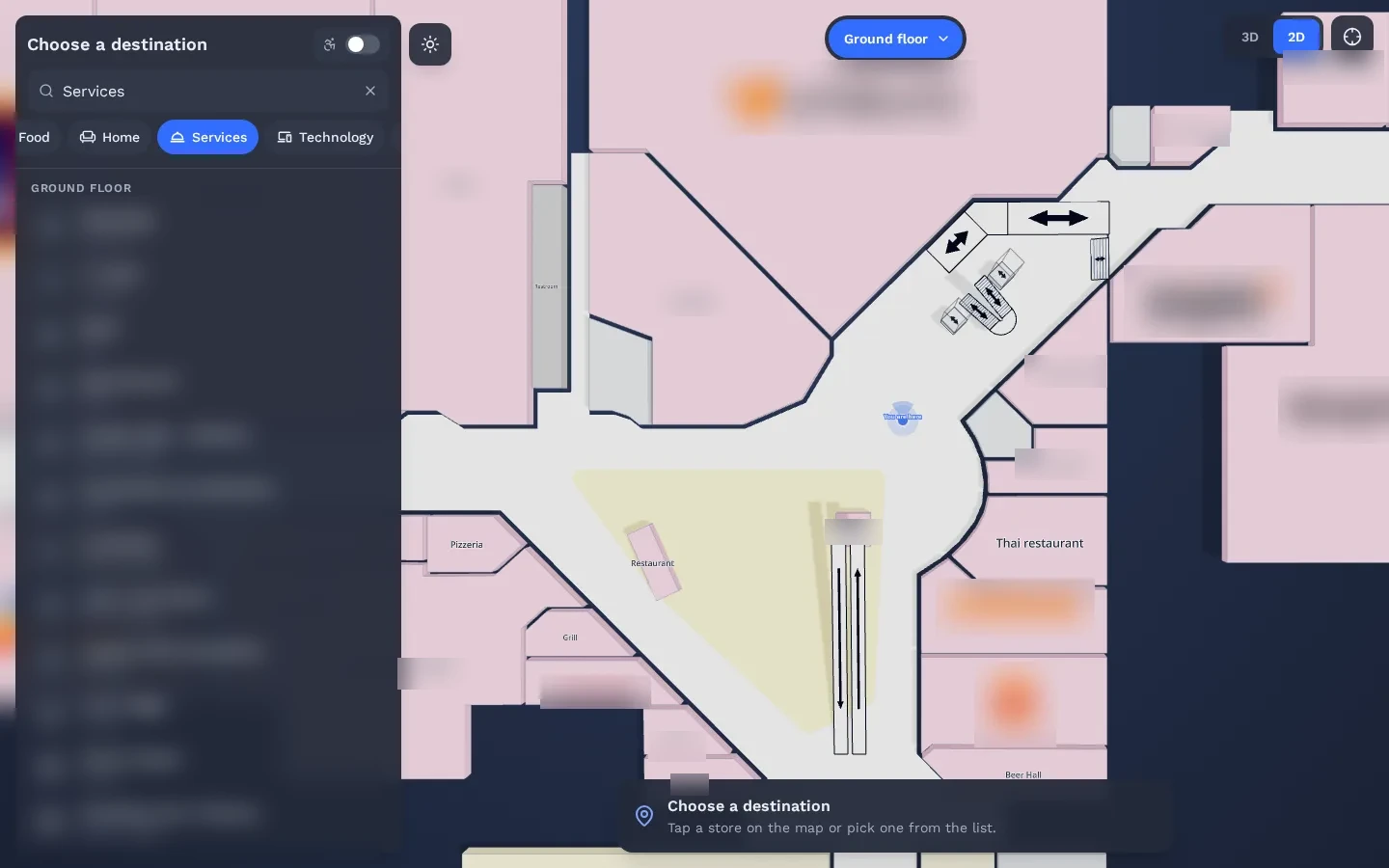
The floor map on the event website, to plan the visit.
- 04
Wayfinding Kiosks
Kiosks at hall entrances pass the route to the visitor’s phone.
How does conference wayfinding work for attendees?
Attendees open the event link or scan the QR code on their badge, pick a session room or a stand, and follow AR arrows in the browser. Organizers keep one map for the event website, the kiosks and the phones, so a room change is published once for everyone.
See it working in a real mall
The same technology is live in a 150,000 m² multi-floor shopping mall. Real visitors scan a QR code and follow AR directions in the browser.
Read the Città Fiera case study →Can exhibitors sponsor routes to their stand?
Yes. A route, a highlight on the floor map or an AR moment at the stand can be offered to exhibitors as a sponsored placement. It is a way to fund the wayfinding service with retail media, using the same map that visitors already rely on to move around.
Questions buyers ask
Do visitors need to download the event app?
No. The route opens in the phone browser from a link or a QR code. If you already have an event app, it can link to the same map.
Can we reuse the map for the next event?
Yes. The 3D map of the halls stays. Only stands, sessions and routes change.
Is OVER already live in a trade fair?
Not in one we can name yet. The same technology is live at Città Fiera, a 150,000 m² multi-floor shopping mall in Udine, Italy, where real visitors navigate with their phones.
What do you need from us for a quote?
The exhibition center name, the approximate area in m² and the number of floors or buildings. Rough numbers are fine. We reply with a preliminary quote within a few days.
Request a quote
A few clicks to tell us about your venue or project, then your contact details. Rough answers are fine.