
Airport wayfinding and station navigation
Airport wayfinding that passengers open from a QR code or a link in their booking: AR directions to gates, platforms and services in the browser, a web map and kiosks. No app, no beacons, no markers.
Part of OVER Wayfinding Suite: mapping, mobile AR, web map and kiosks from one 3D map. In a terminal or station: a link in the booking, kiosks in the halls, the same route on the phone.
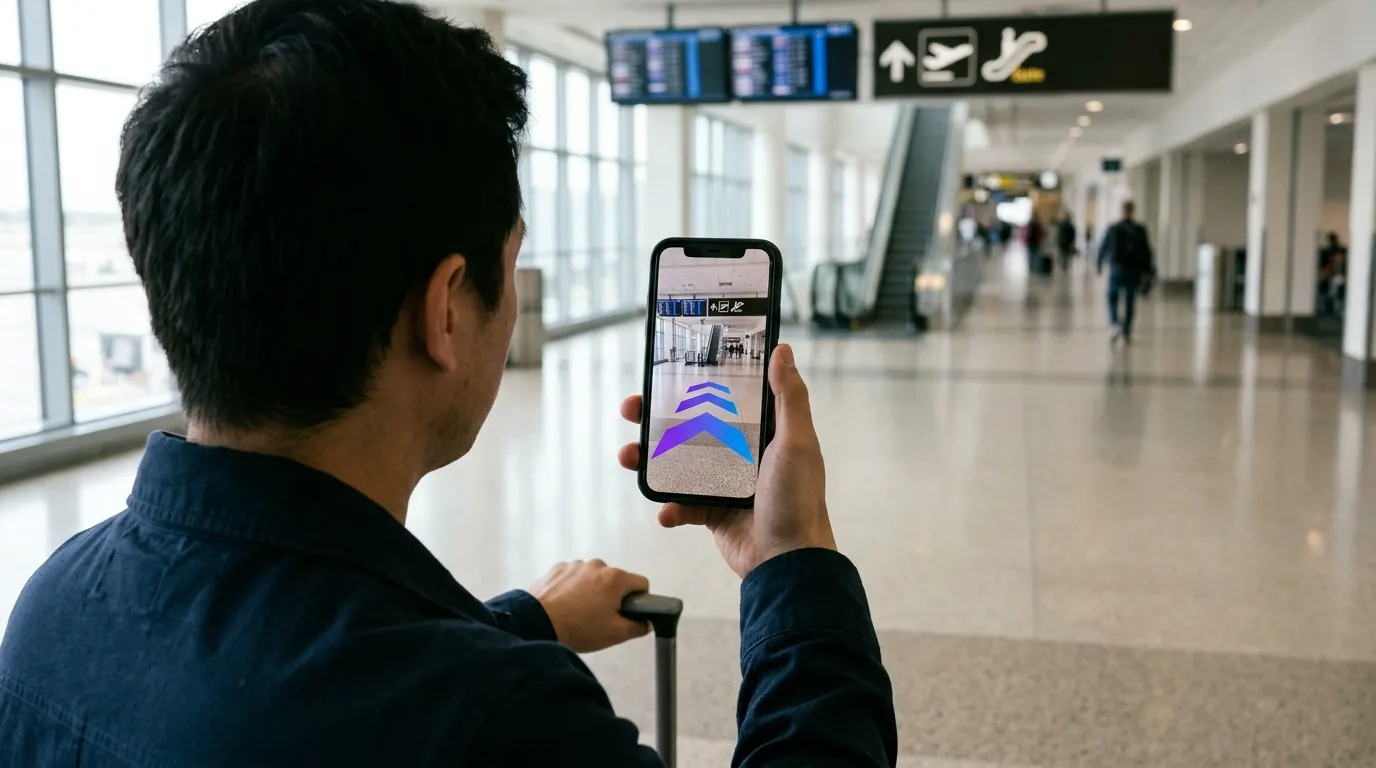
How does airport indoor navigation work without beacons?
The phone camera does the positioning. A visual positioning system compares what the camera sees with a 3D map of the terminal and finds the passenger’s position in under 100 ms. Arrows then appear on the real floor. There are no beacons to install across large halls, and no app to download.
- Curb to gate. From the entrance to check-in, security and the gate.
- Connections. Between terminals, platforms and levels, with floor changes shown.
- Services. Restrooms, lounges, assistance points and shops.
- Short on time. Clear arrows and distance to the destination, no map reading.
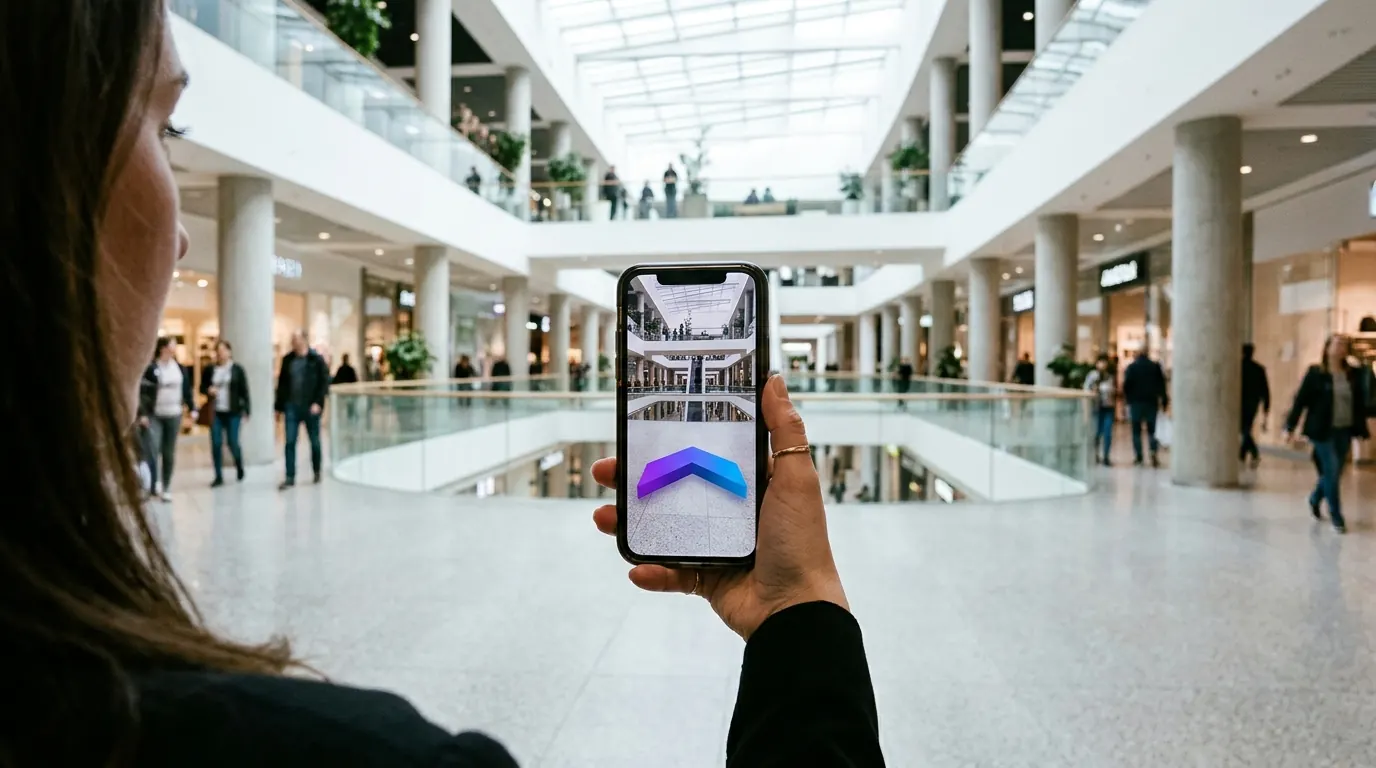
The four parts, in a terminal or station
One 3D map of the terminal or station runs all four parts. Update a destination once and every screen follows.
- 01
3D Venue Mapping
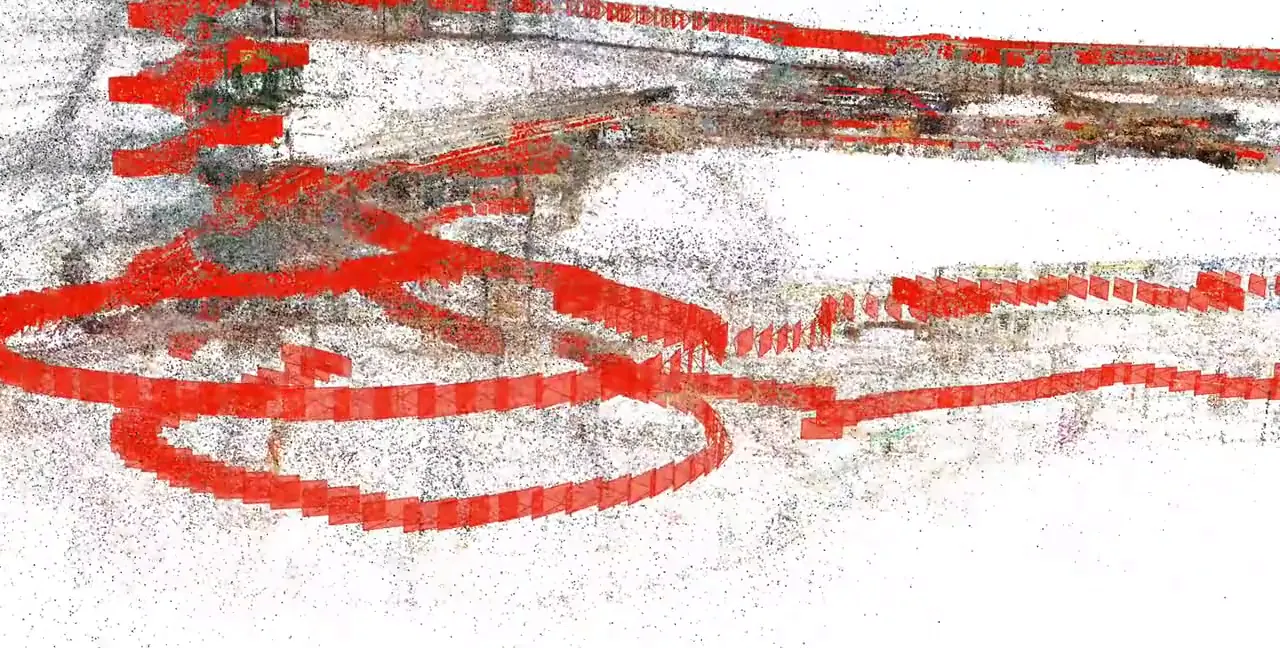
Halls, concourses and platforms mapped with one 360° camera.
- 02
Mobile AR Navigation
AR directions from a link in the booking or a QR code in the hall.
- 03
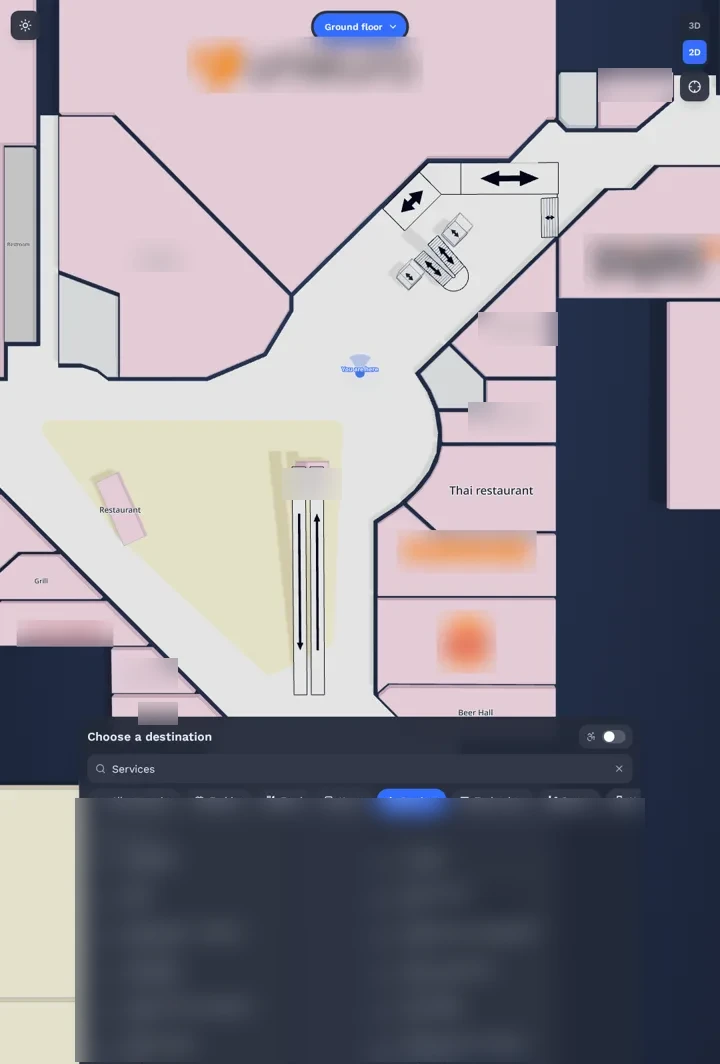
Interactive 3D Web Map
The same map on your website, to check the way before arriving.
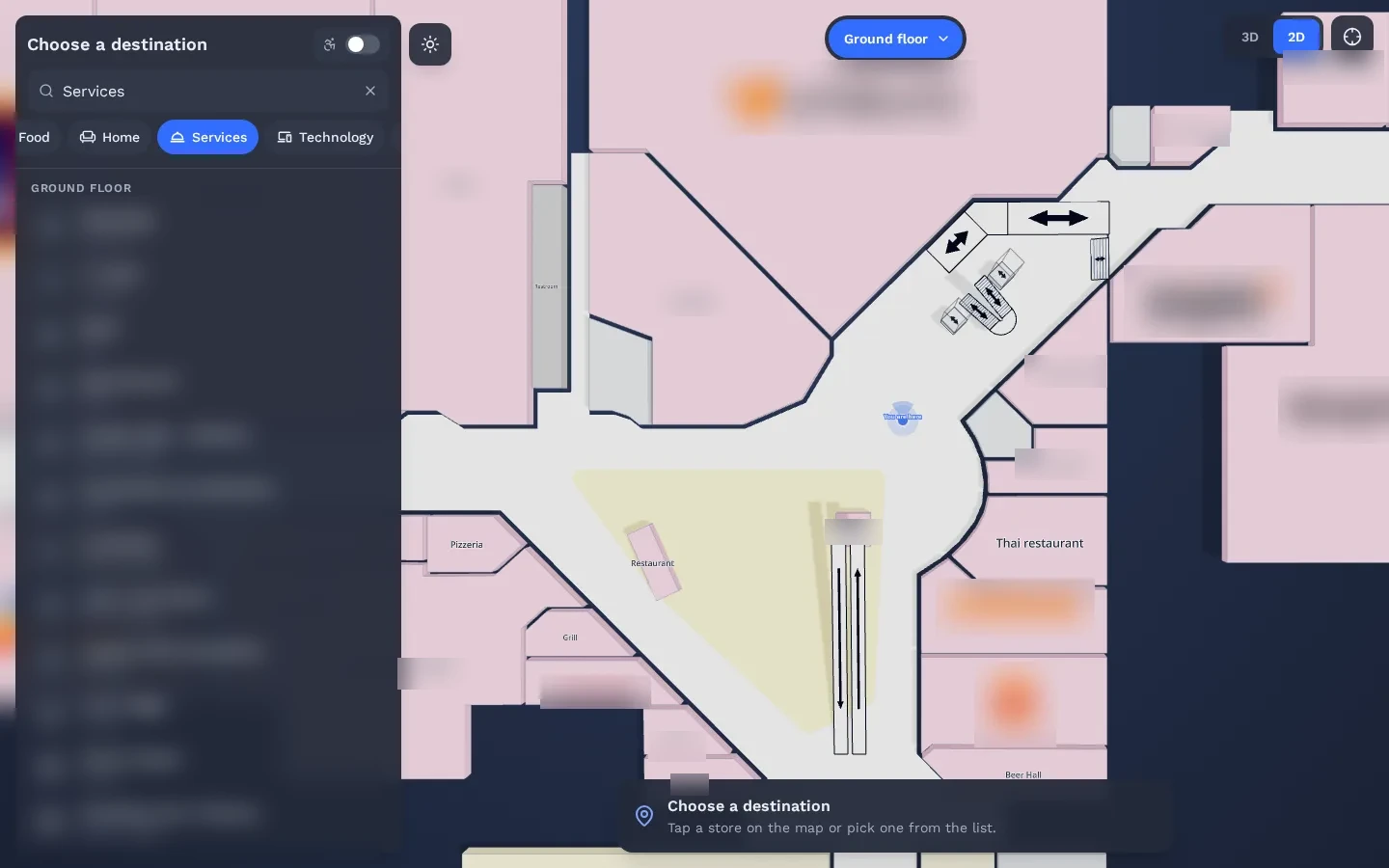
- 04
Wayfinding Kiosks
Hall kiosks pass the route to the passenger’s phone.
Does station wayfinding work underground?
Yes. GPS does not reach underground platforms and passages, but camera-based positioning does not need satellite signals. It uses the 3D map of the station, so passengers get directions to platforms, exits and connections on every level, including the floors below the street.
See it working in a real mall
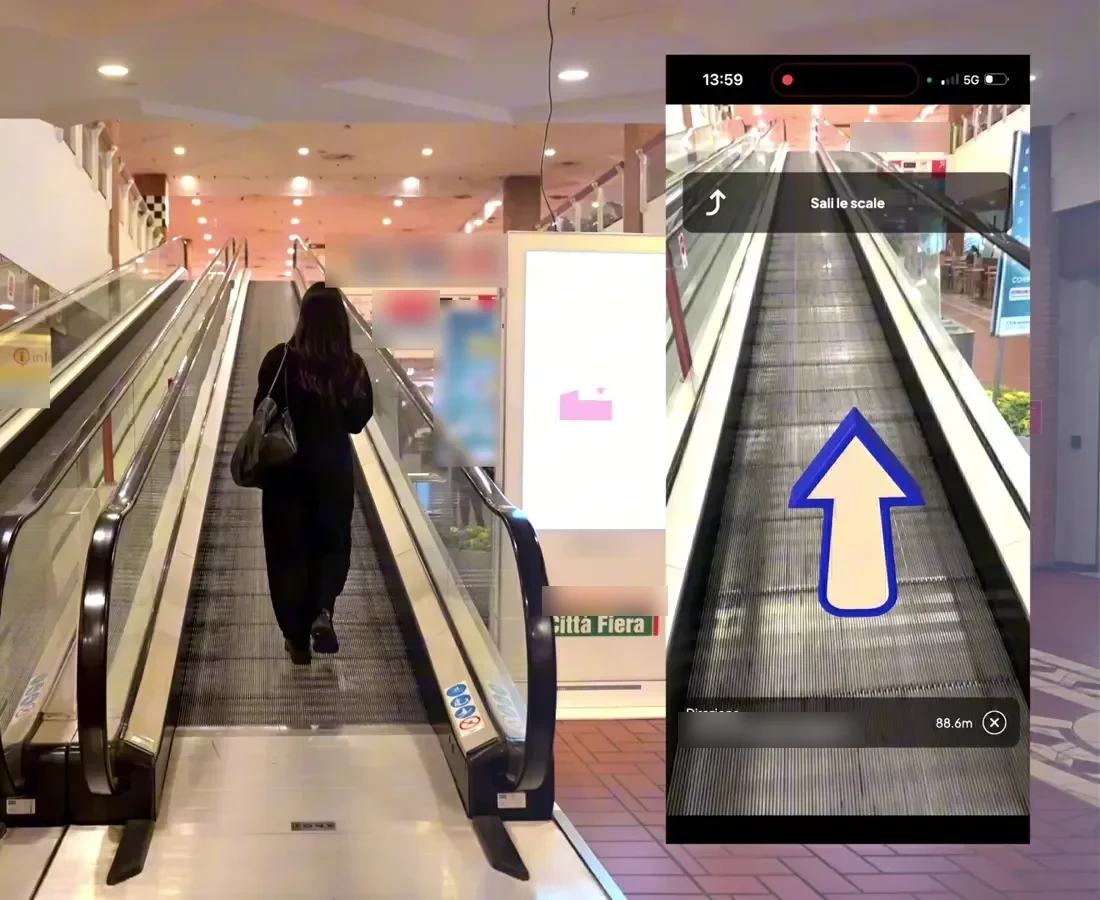
The same technology is live in a 150,000 m² multi-floor shopping mall. Real visitors scan a QR code and follow AR directions in the browser.
Read the Città Fiera case study →Which languages can passengers use?
Routes and destinations can be published in the languages your passengers need. The directions are mostly visual, with arrows on the floor and the distance to the destination, so they work for travelers who do not read the local language. The web map and kiosks use the same translated content.
Questions buyers ask
Do passengers need an app?
No. The route opens in iOS Safari or Android Chrome from a link or a QR code.
Can it cover several terminals and levels?
Yes. Each area is mapped in 3D and joined into one map, and routes include floor changes.
Is OVER already live in a airport or station?
Not in one we can name yet. The same technology is live at Città Fiera, a 150,000 m² multi-floor shopping mall in Udine, Italy, where real visitors navigate with their phones.
What do you need from us for a quote?
The airport or station name, the approximate area in m² and the number of floors or buildings. Rough numbers are fine. We reply with a preliminary quote within a few days.
Request a quote
A few clicks to tell us about your venue or project, then your contact details. Rough answers are fine.